Your church website
A beautiful website for your church
Choose a complete design and dress it in your church’s color and photos. It keeps itself up to date from what you already keep in Psalmly. Free on every plan.
Same church, any look
Your words, photos and service times stay put when you change looks. Try any look on your own website before you choose, and switch whenever you like.
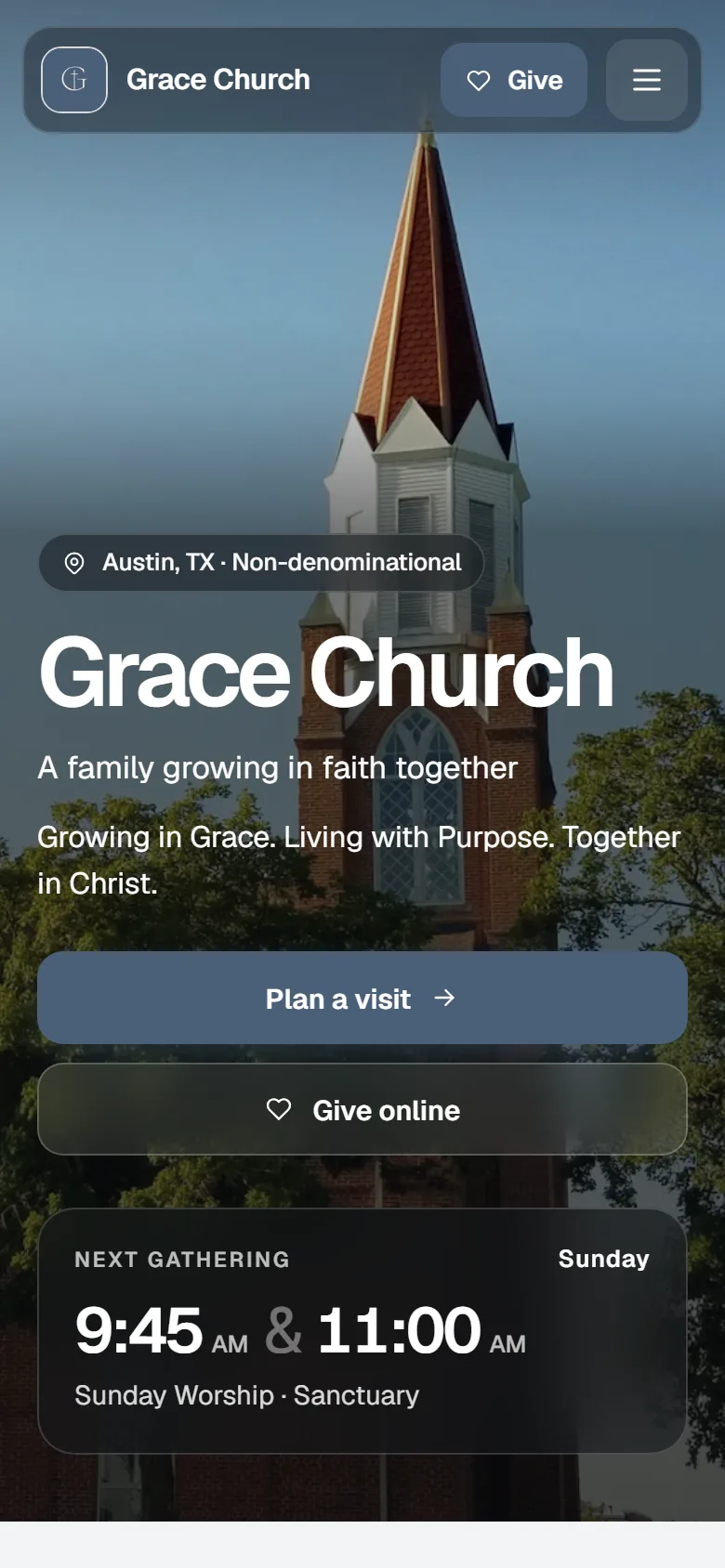
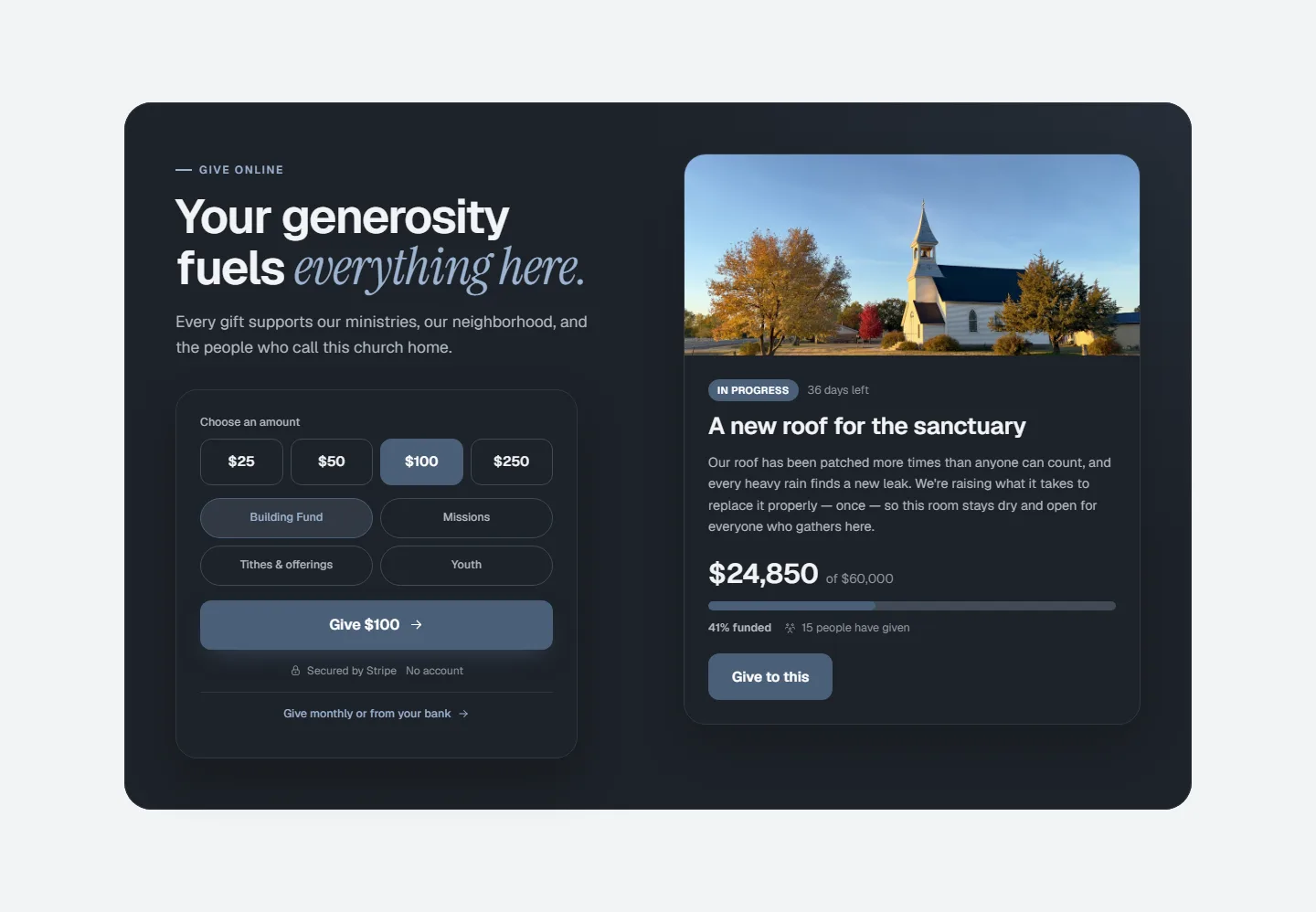
Grace Church is a sample church. Every picture here is its real website, in each look.
Bright
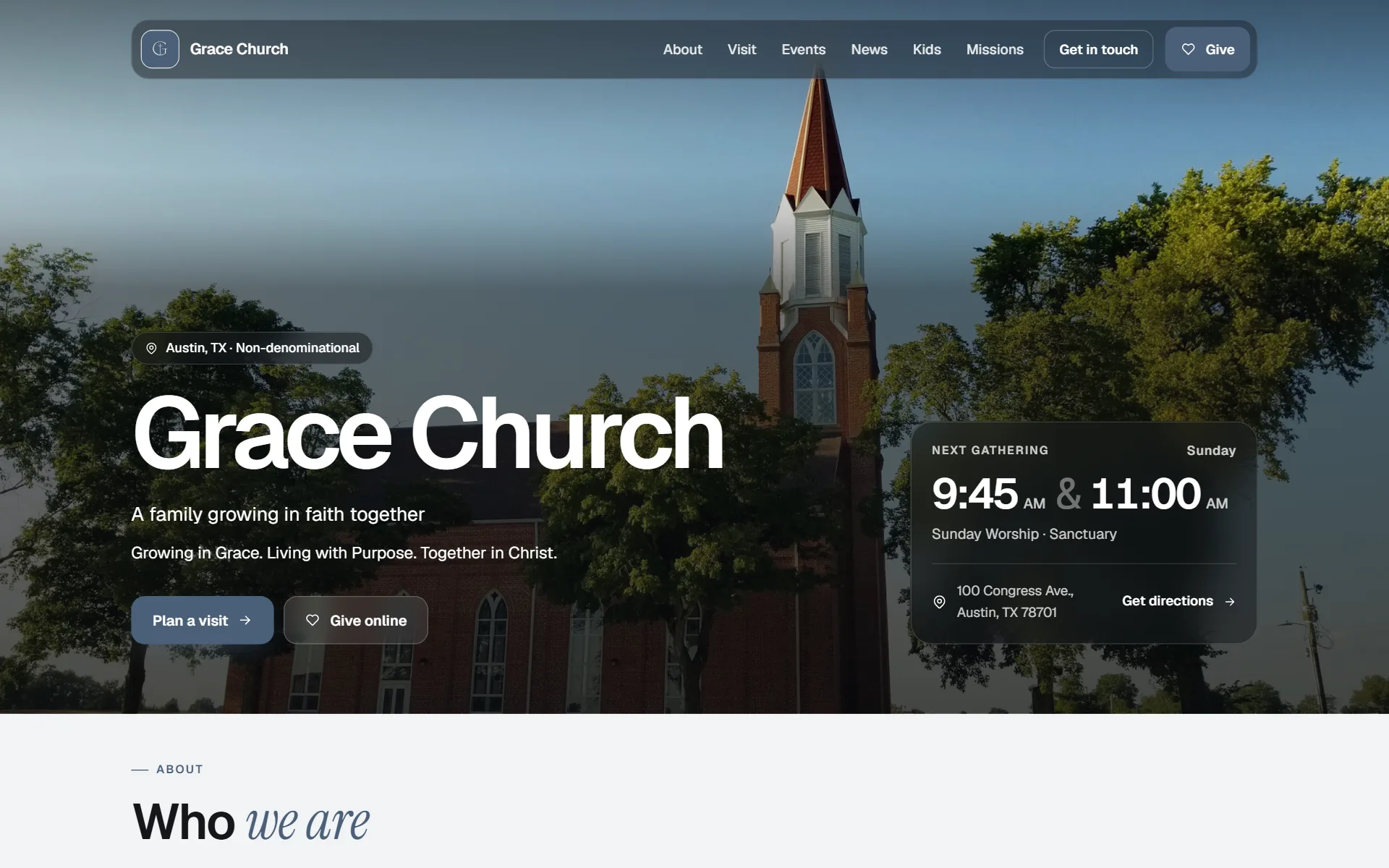
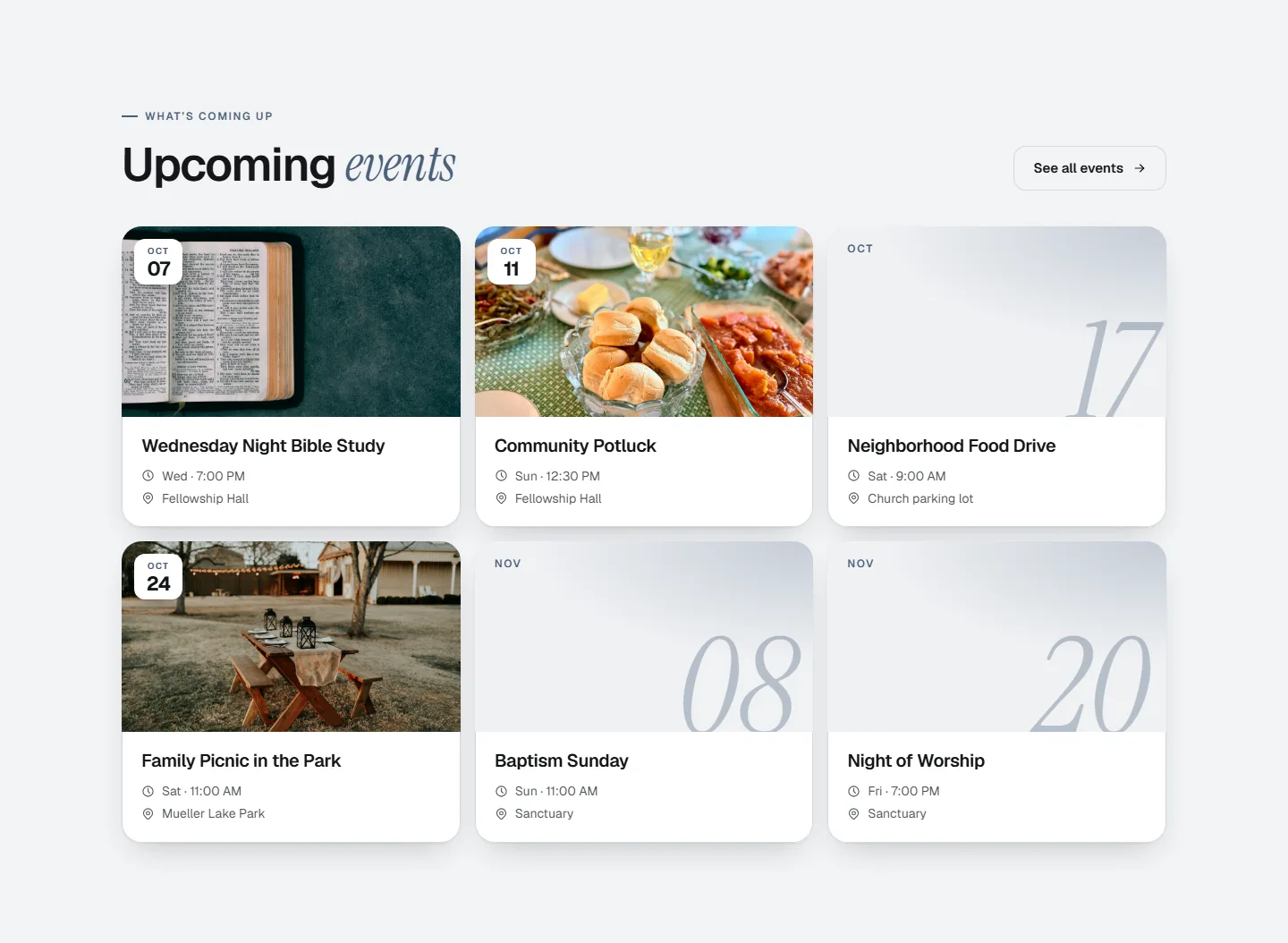
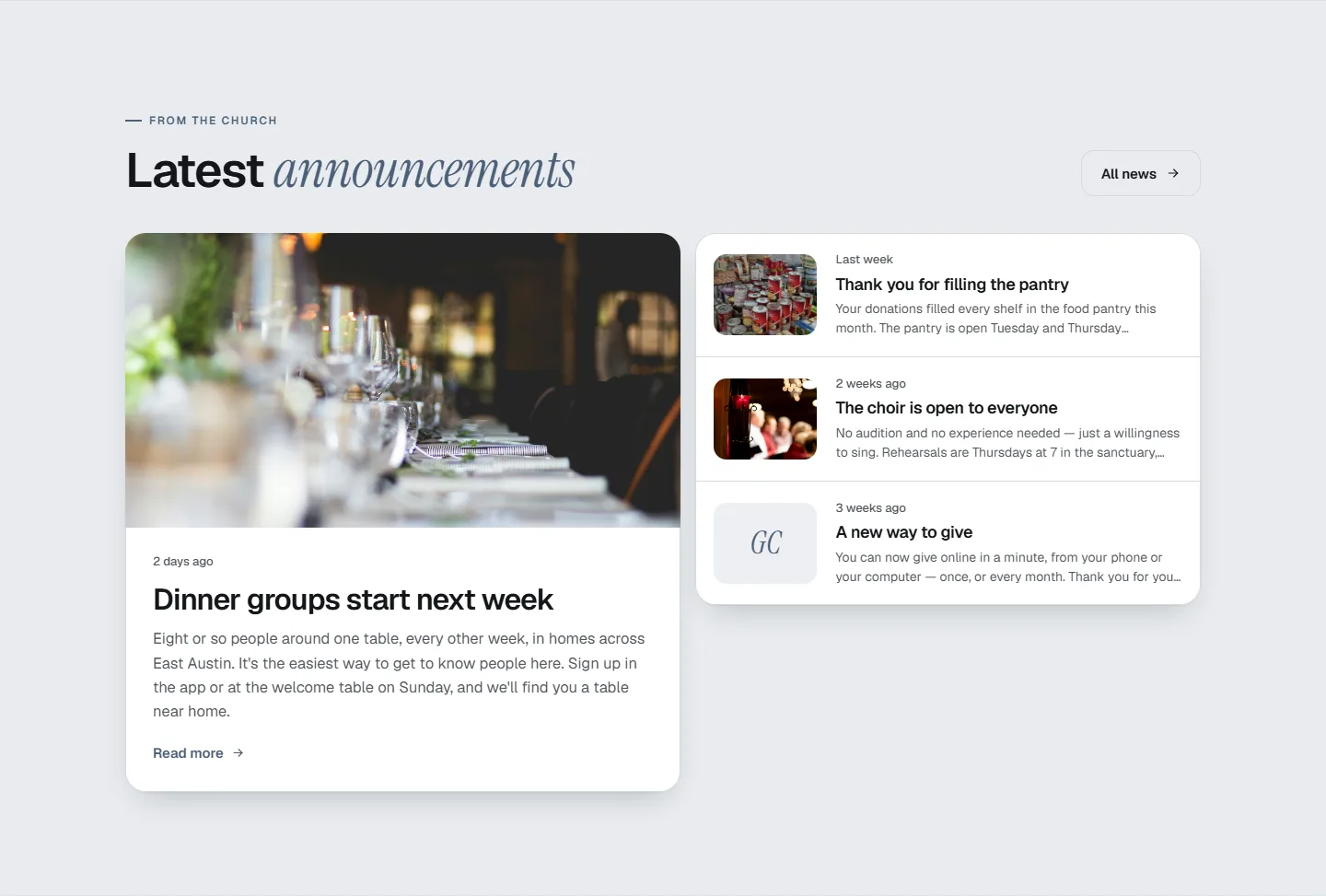
Modern and calm, with rounded cards, an italic touch in the headings, and your color in the details.
Bright also lets you arrange the home page: Photo first, Side by side or Words first.
Shown in slate blue. Every look comes in your church’s color.
Events, news and giving in Bright
Meridian
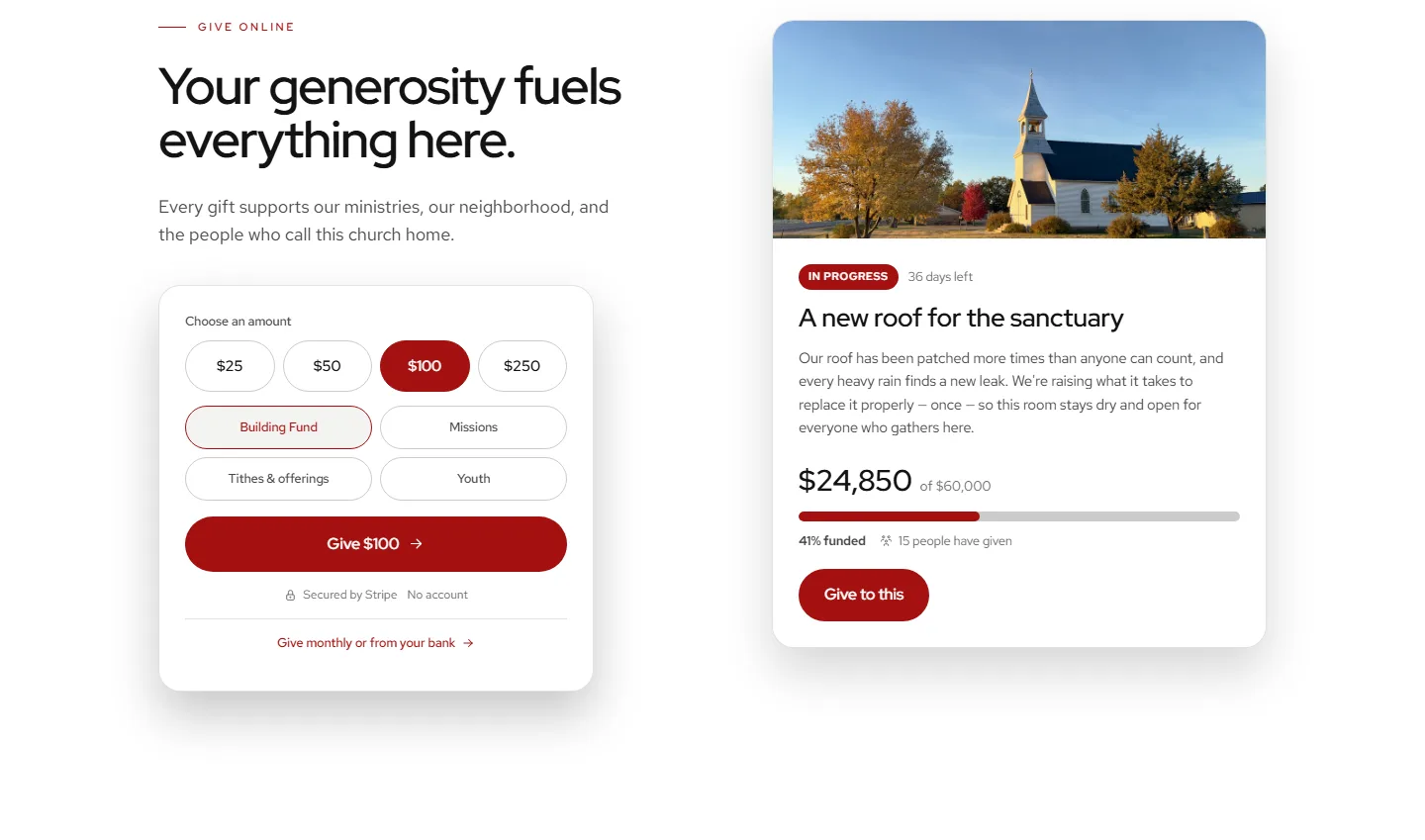
Crisp black-and-white pages with big headings, your photos in rounded frames, and your color on the buttons.
Shown in red. Every look comes in your church’s color.
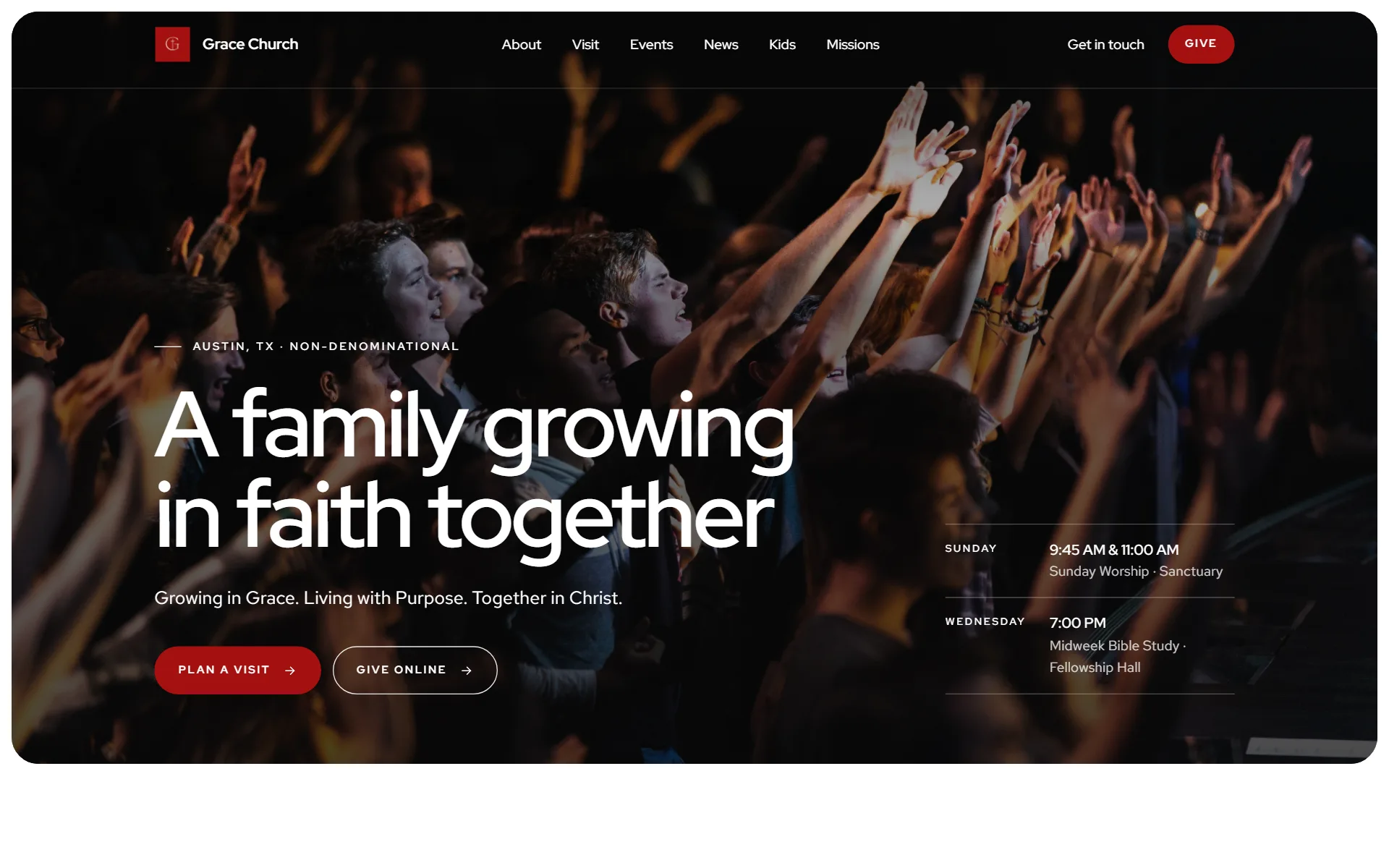
Events, news and giving in Meridian
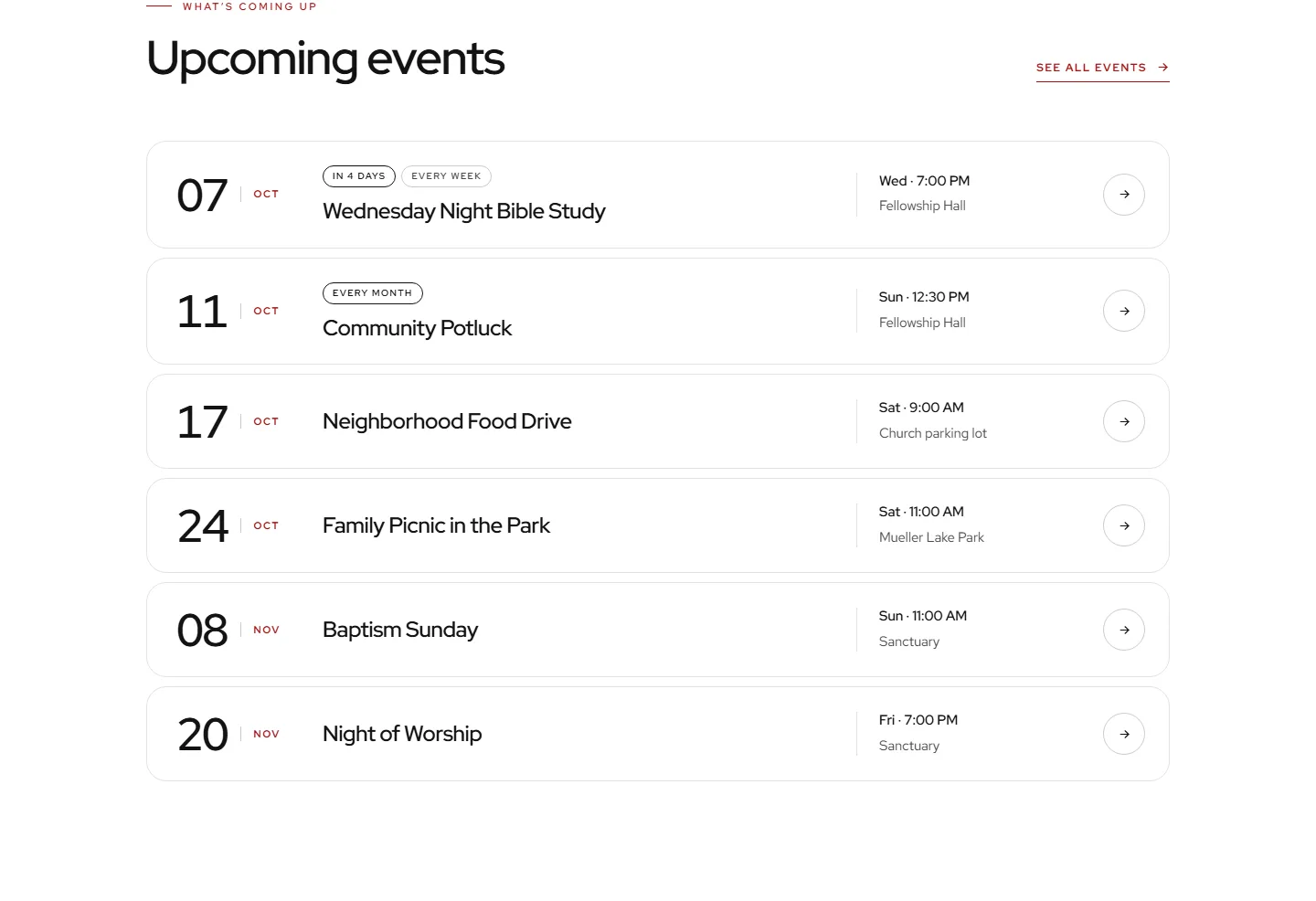
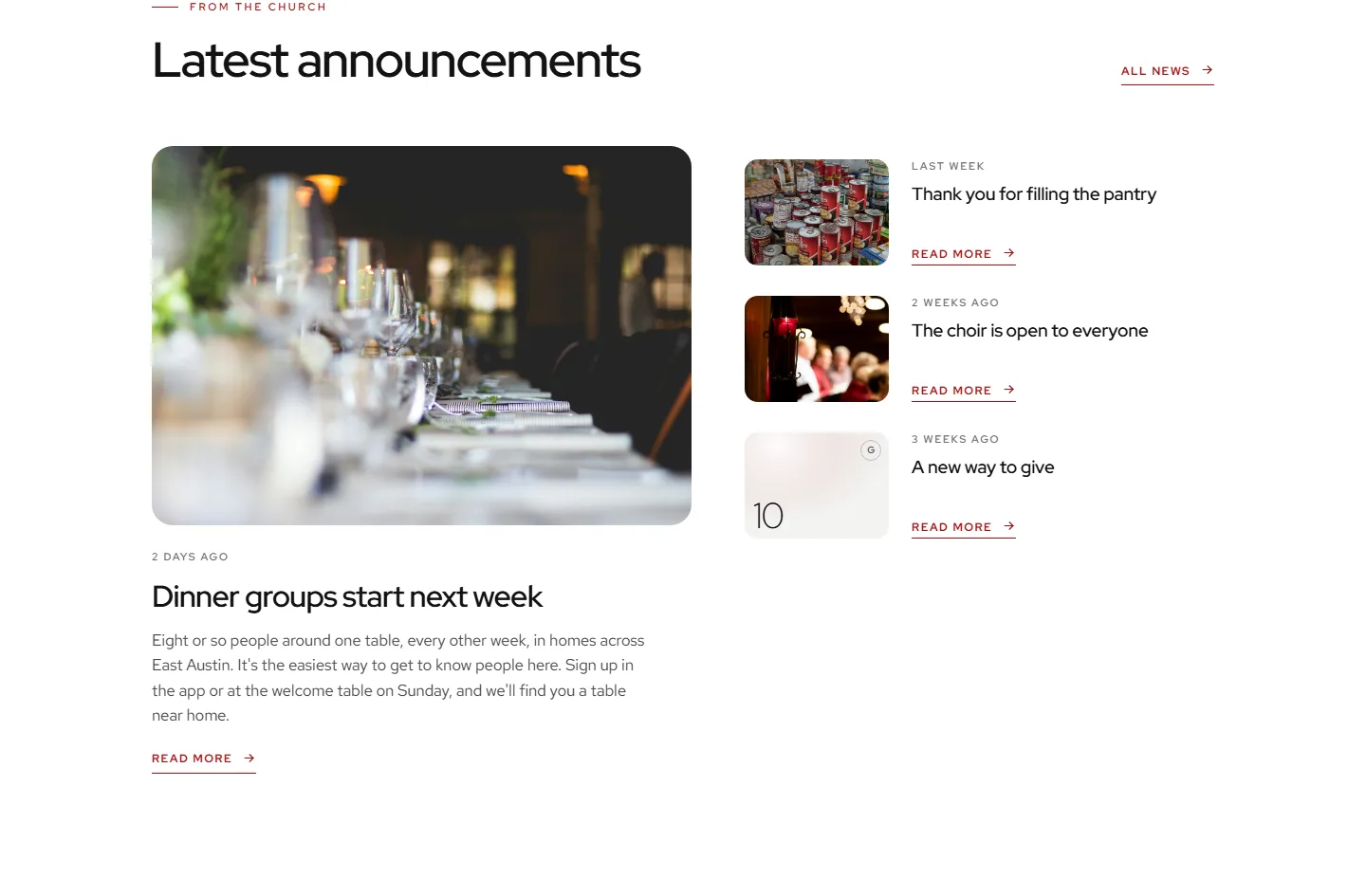
Homeward
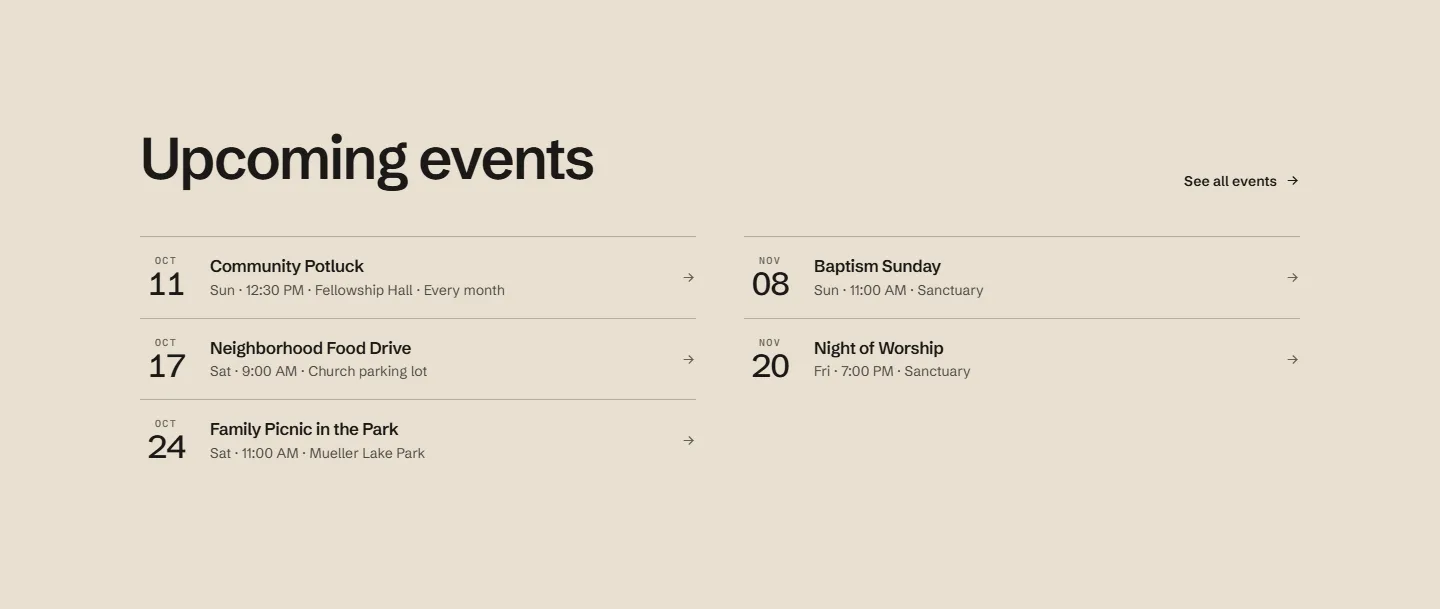
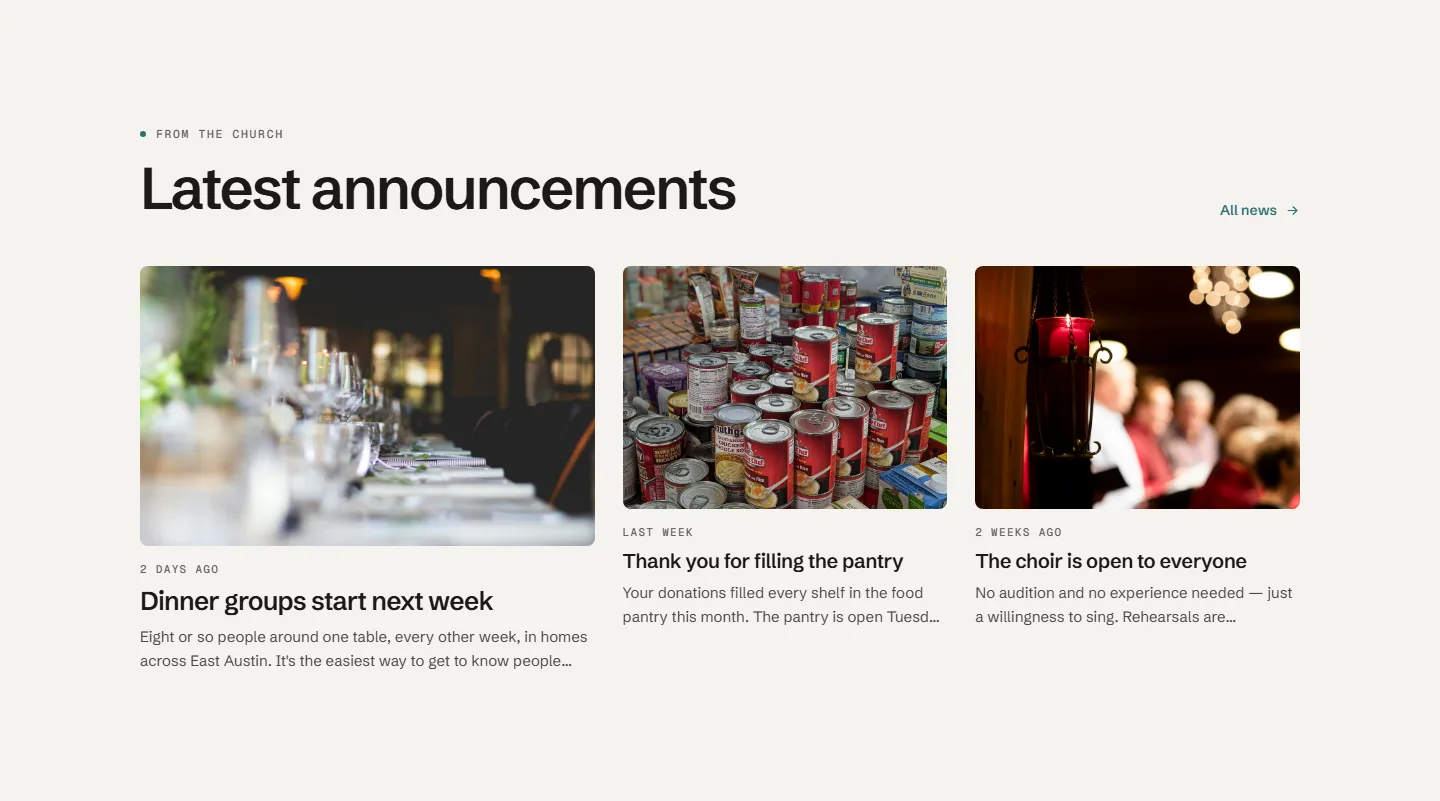
Warm paper pages with big headings, dark bands for what's coming up, and a menu that floats at the top.
Shown in teal. Every look comes in your church’s color.
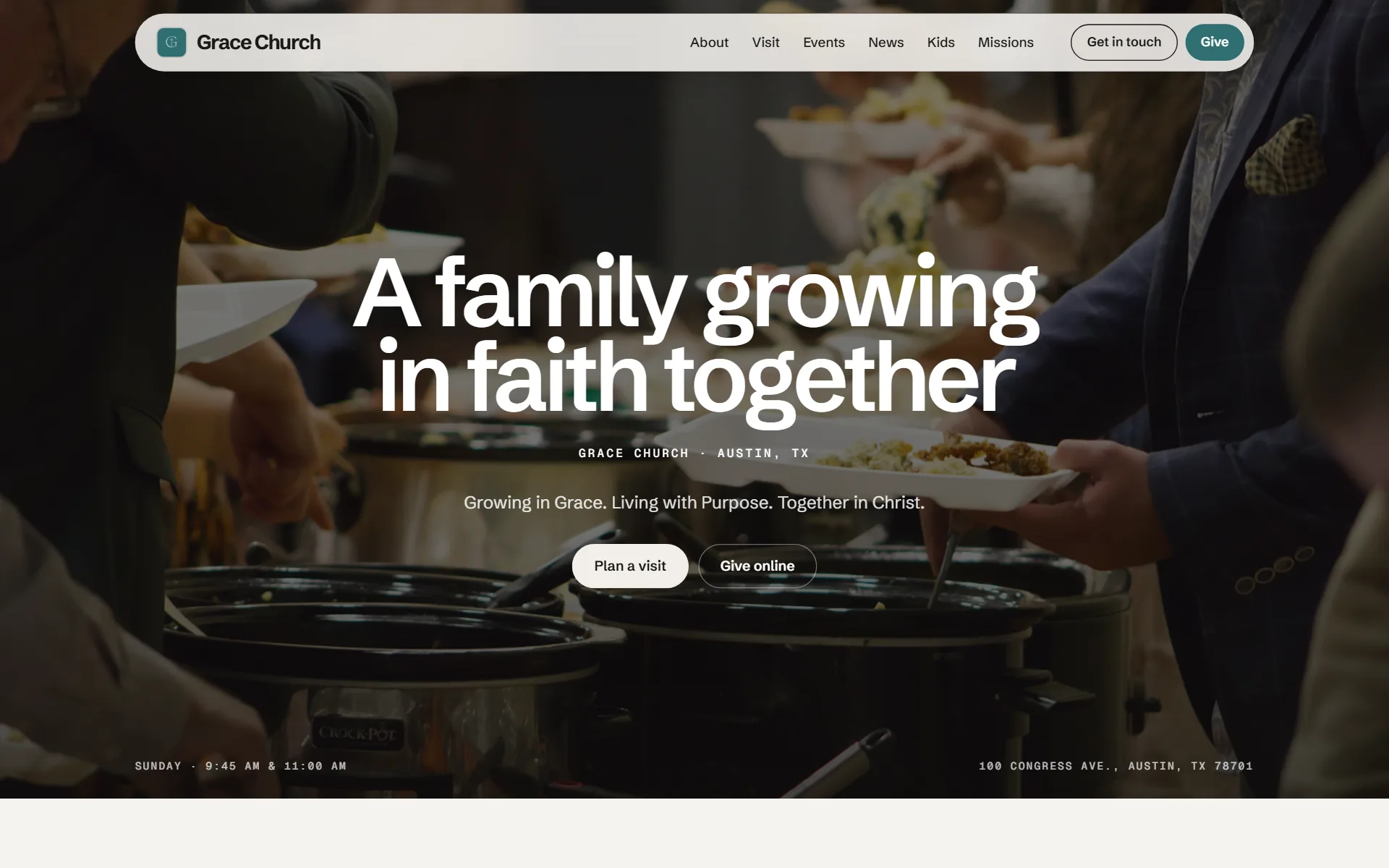
Events, news and giving in Homeward
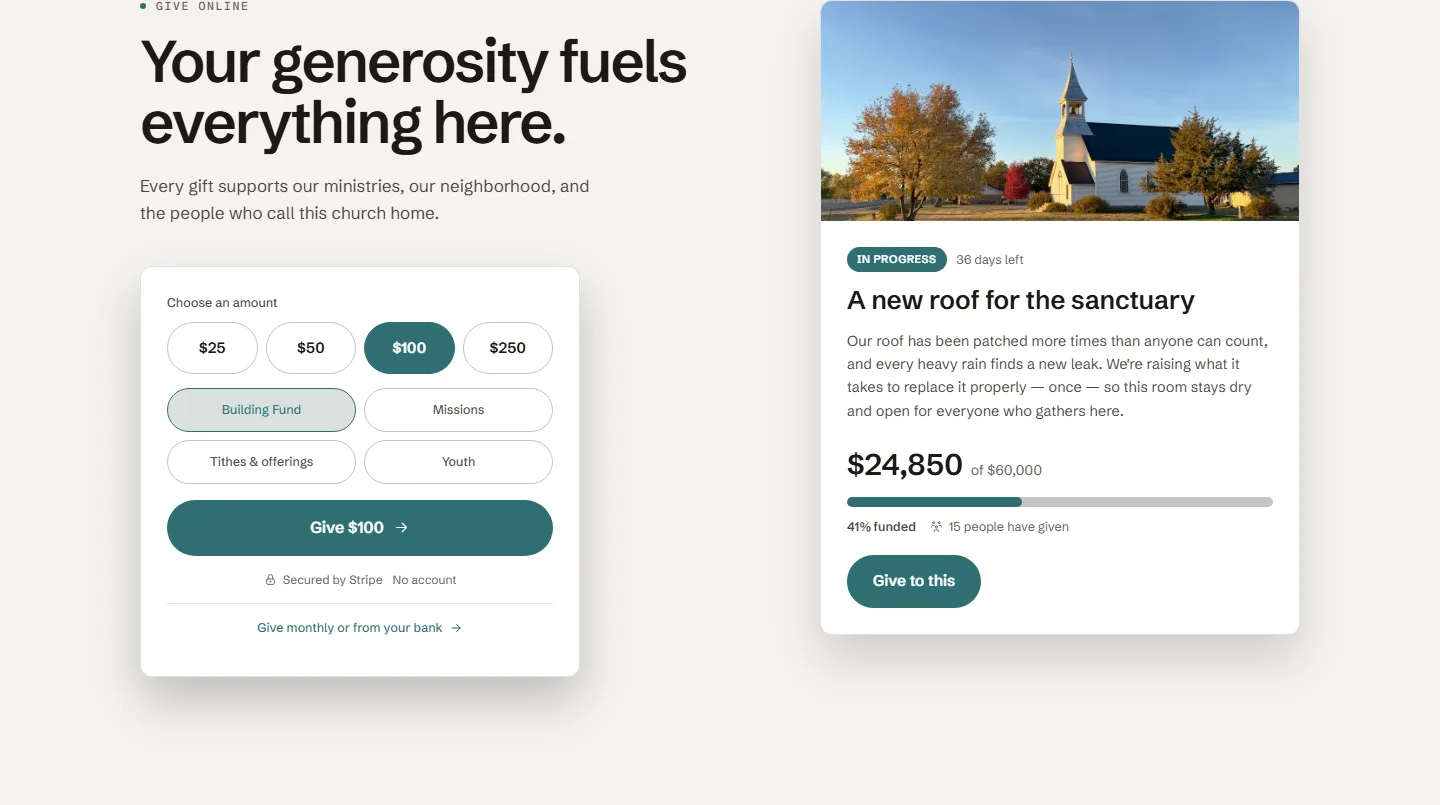
Broadside
Loud headlines, hand-drawn marks, and your own facts scrolling across the page.
Shown in cobalt. Every look comes in your church’s color.
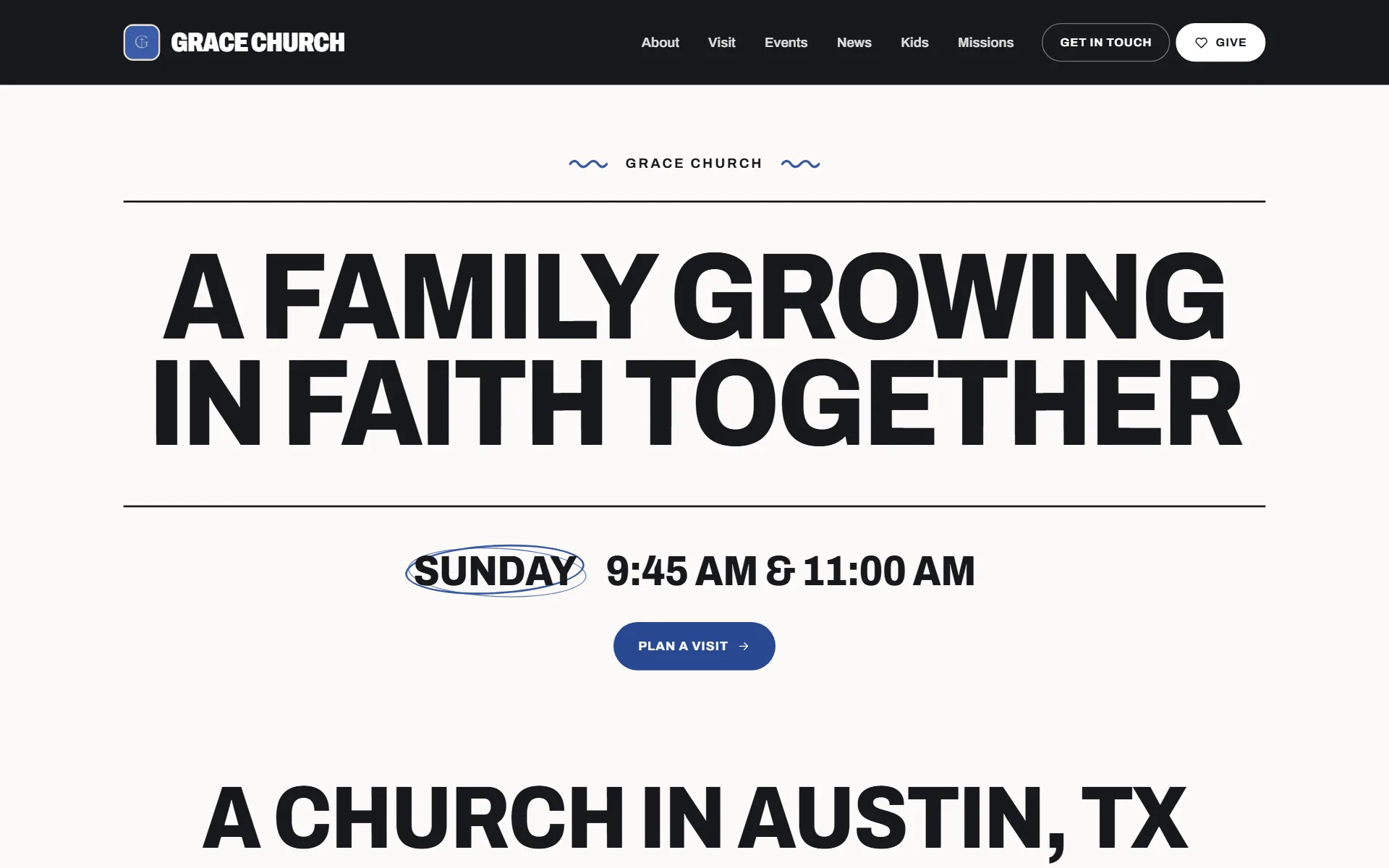
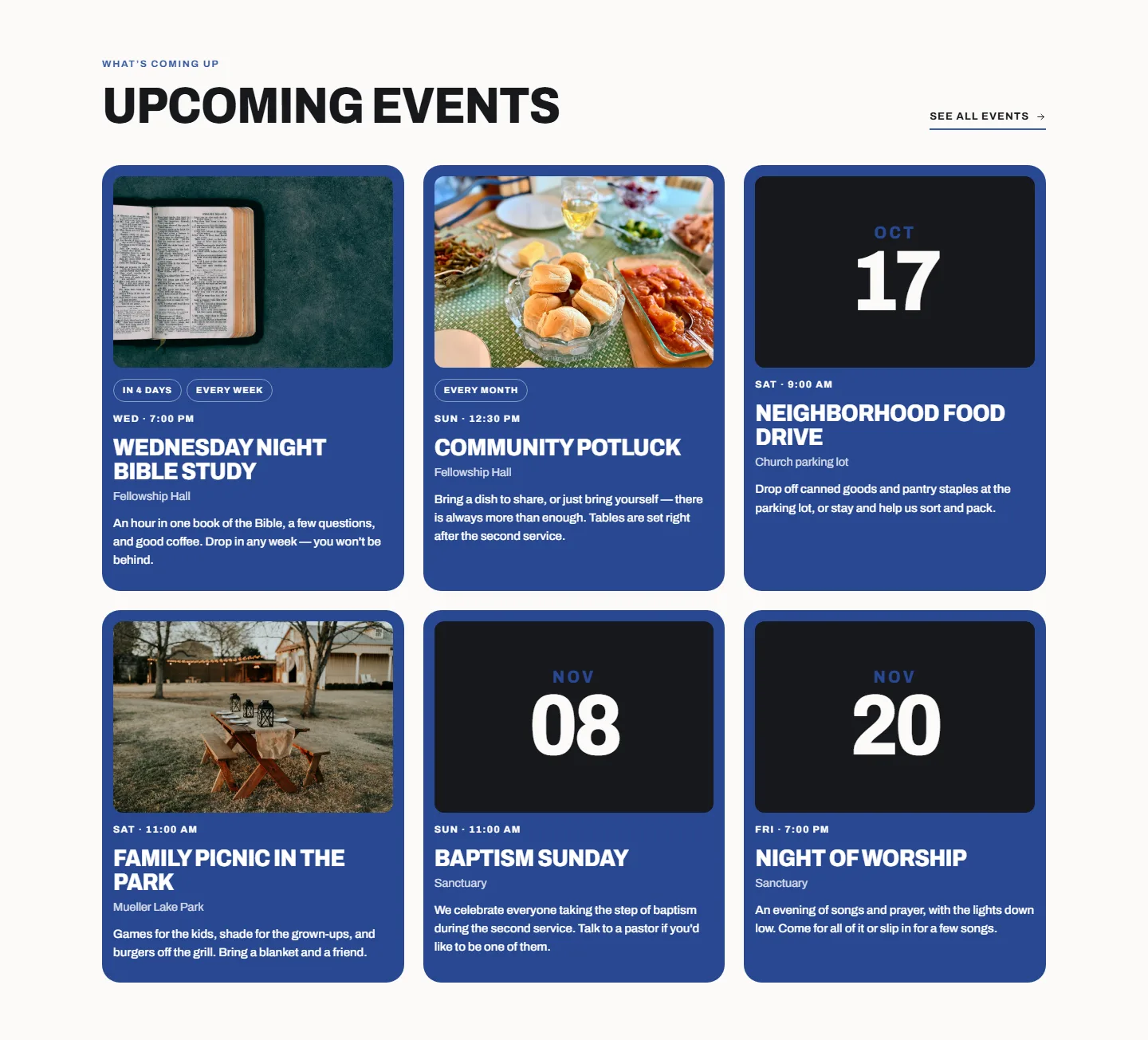
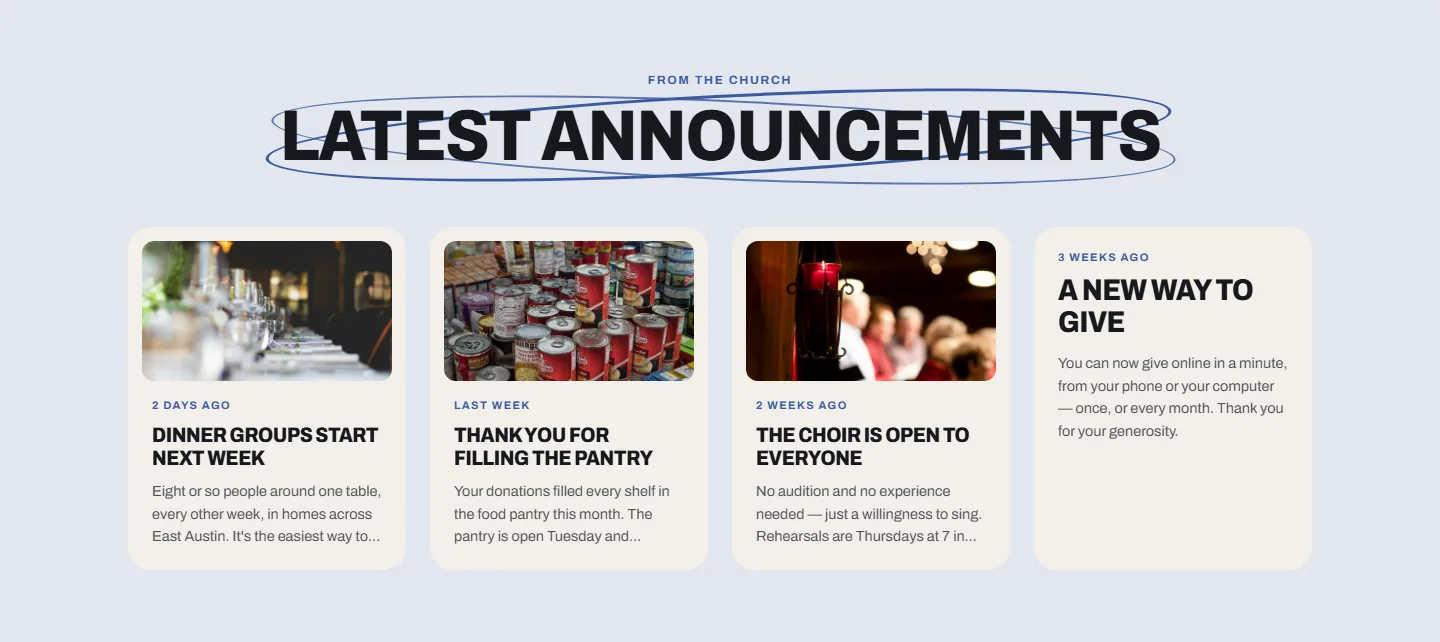
Events, news and giving in Broadside
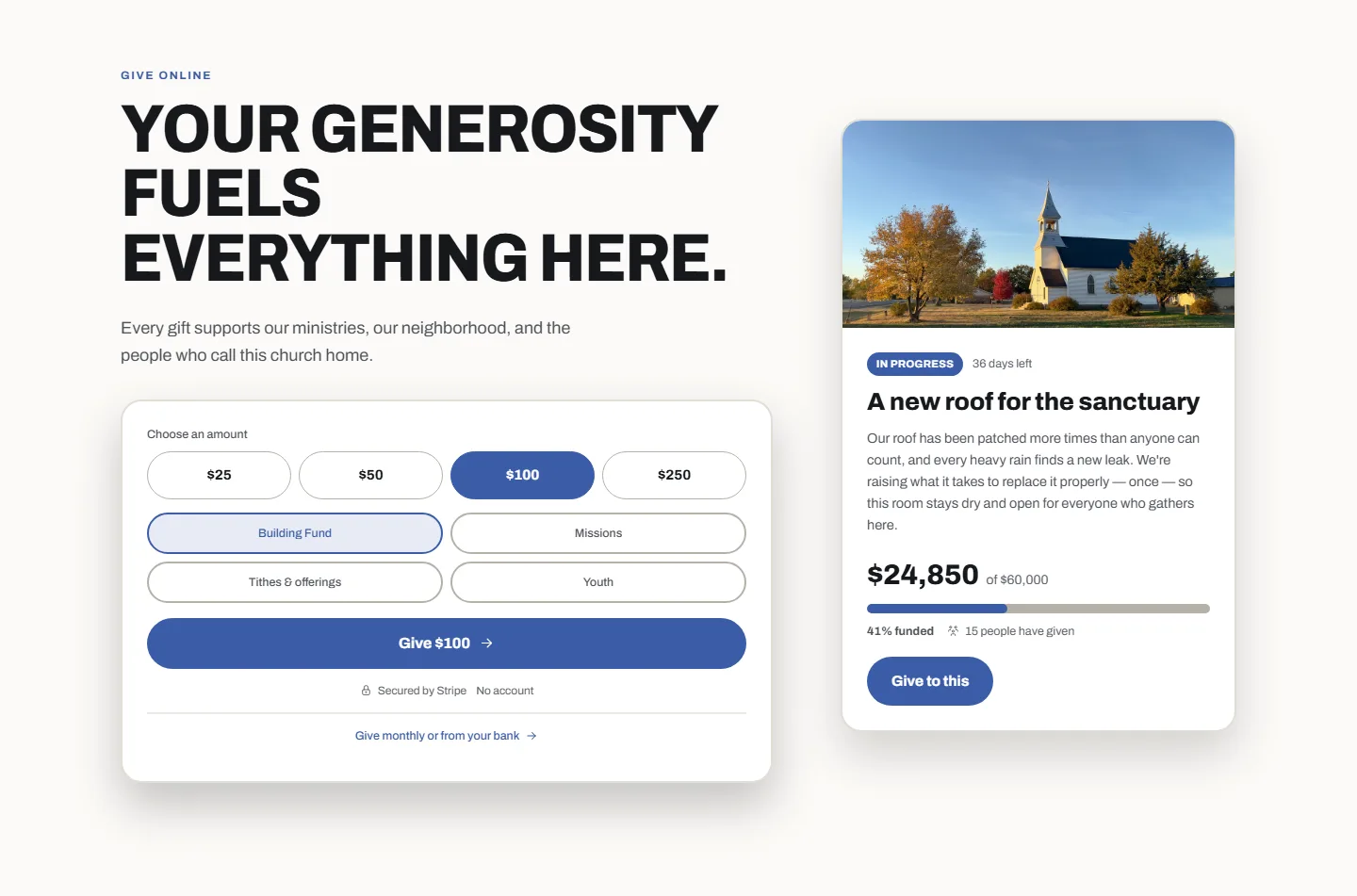
Evensong
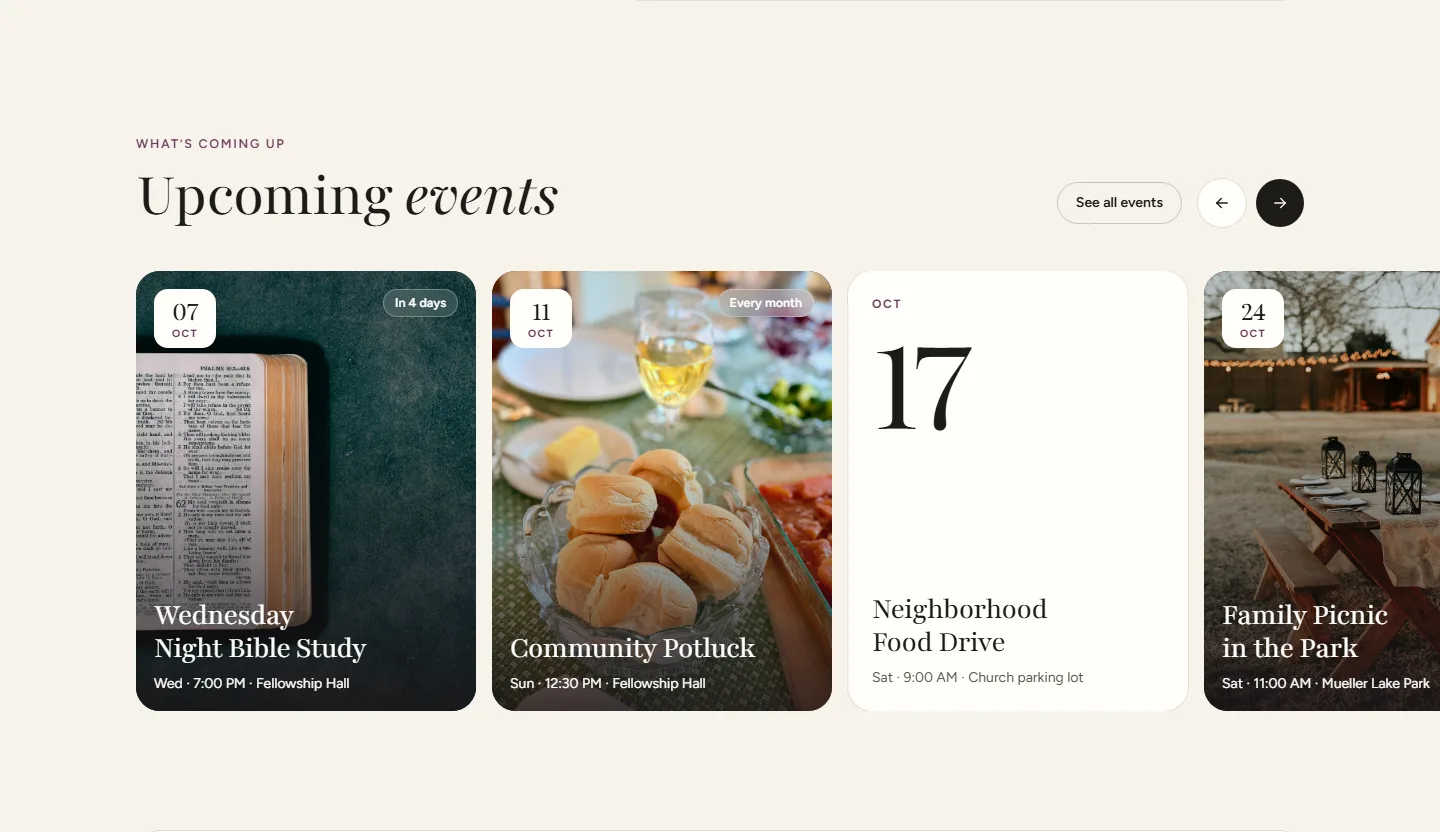
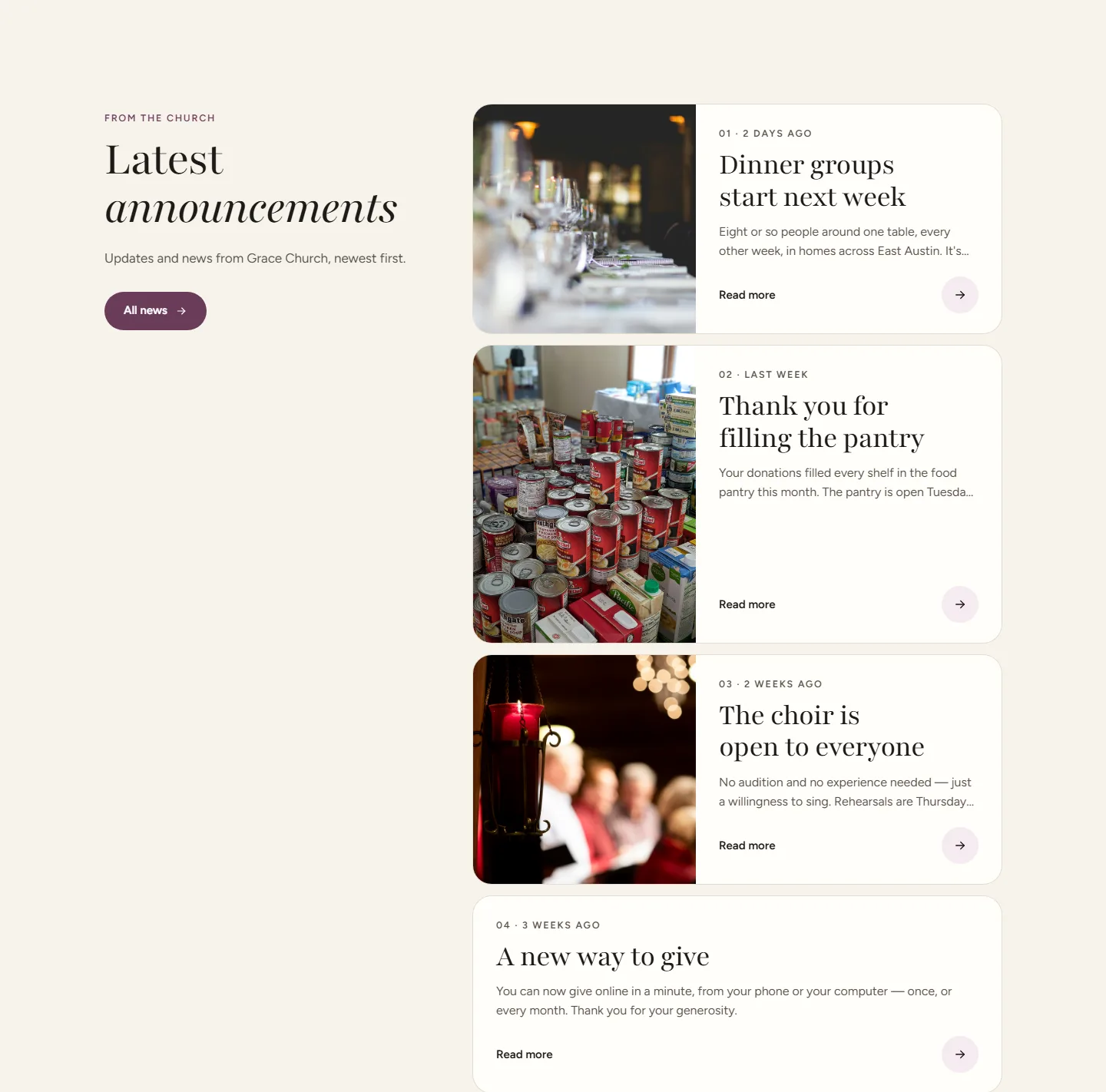
Graceful serif headings with an italic flourish, and calm, open pages.
Shown in plum. Every look comes in your church’s color.
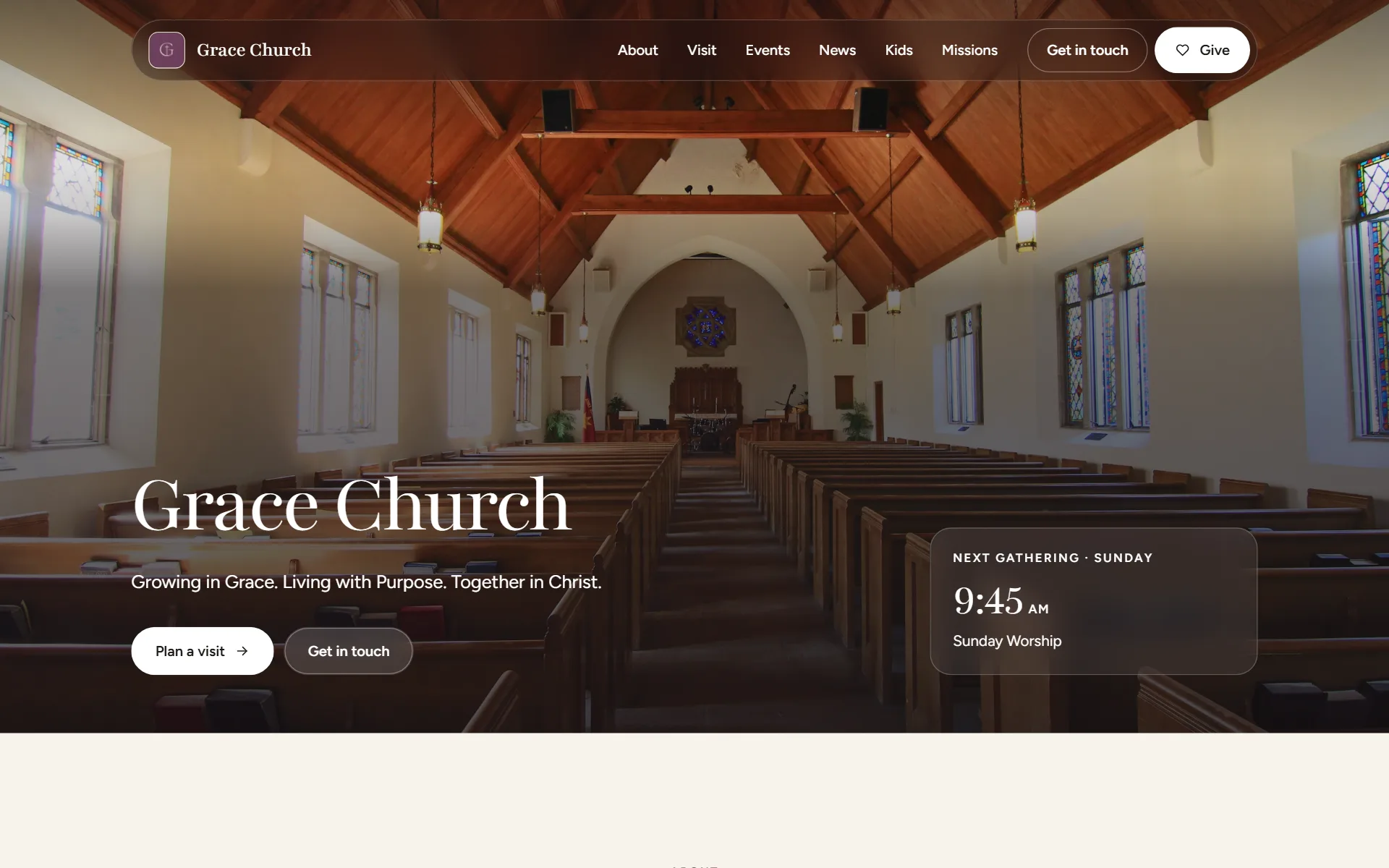
Events, news and giving in Evensong
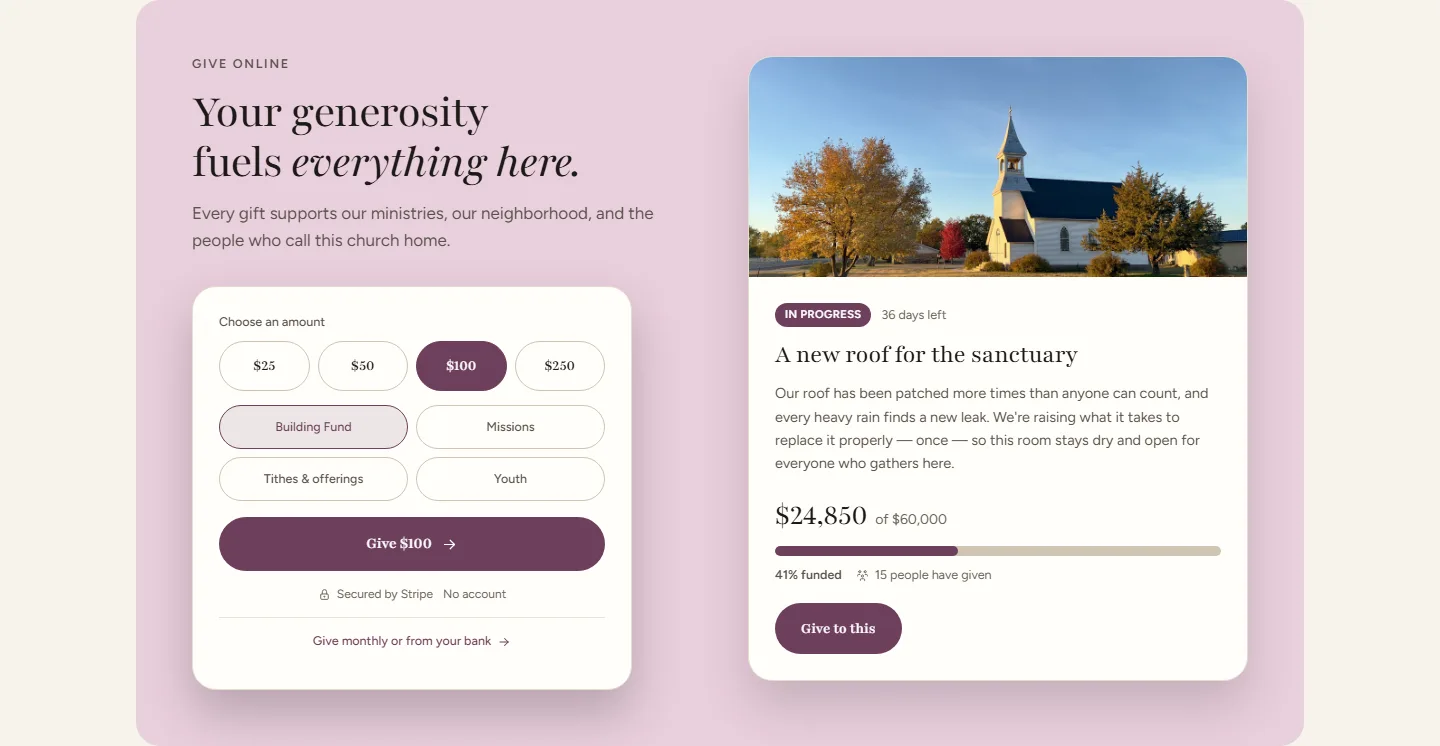
Narthex
Pages softly tinted with your color, bold headings circled by hand, and dark bands for your gatherings and events.
Shown in sage. Every look comes in your church’s color.
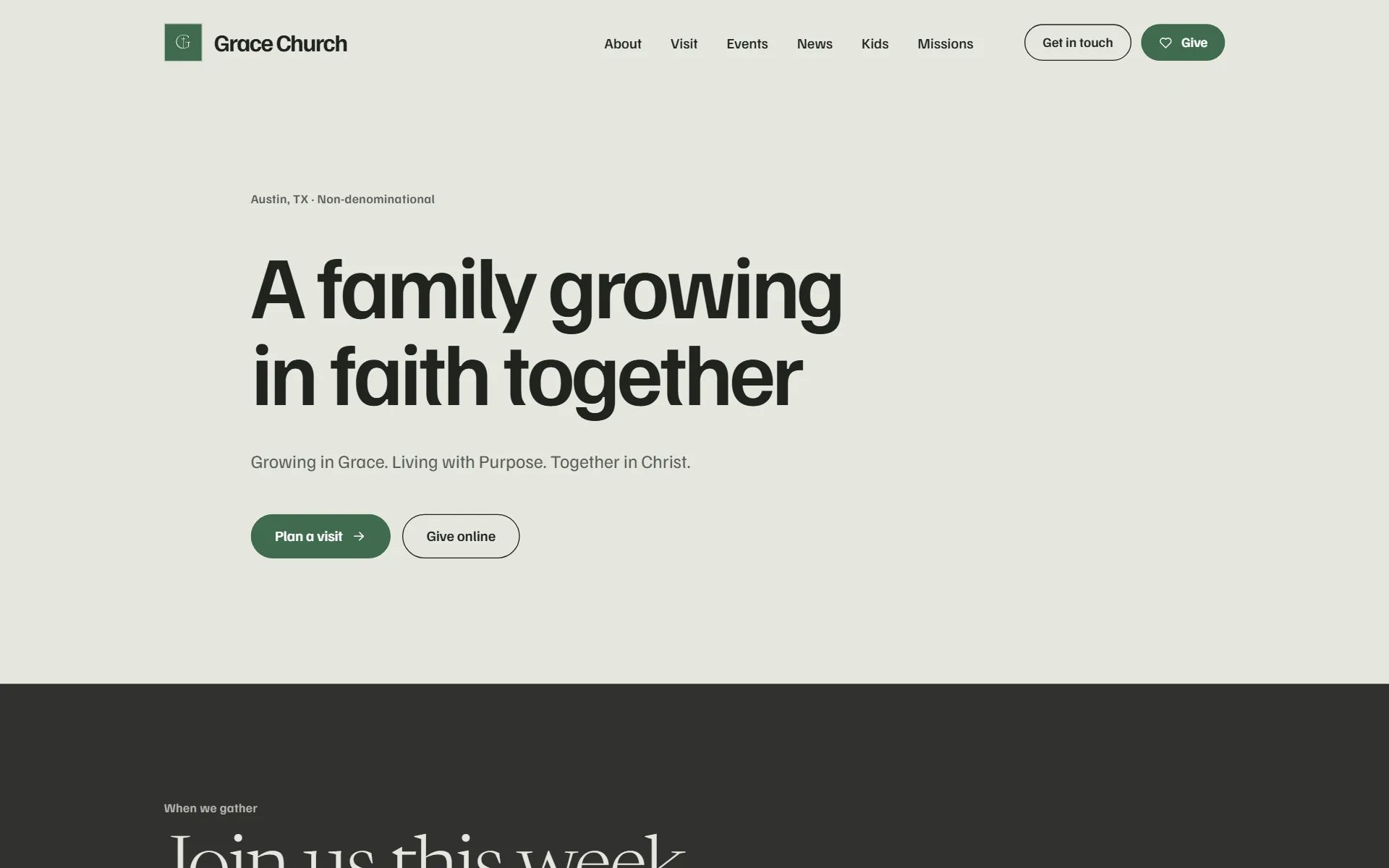
Events, news and giving in Narthex
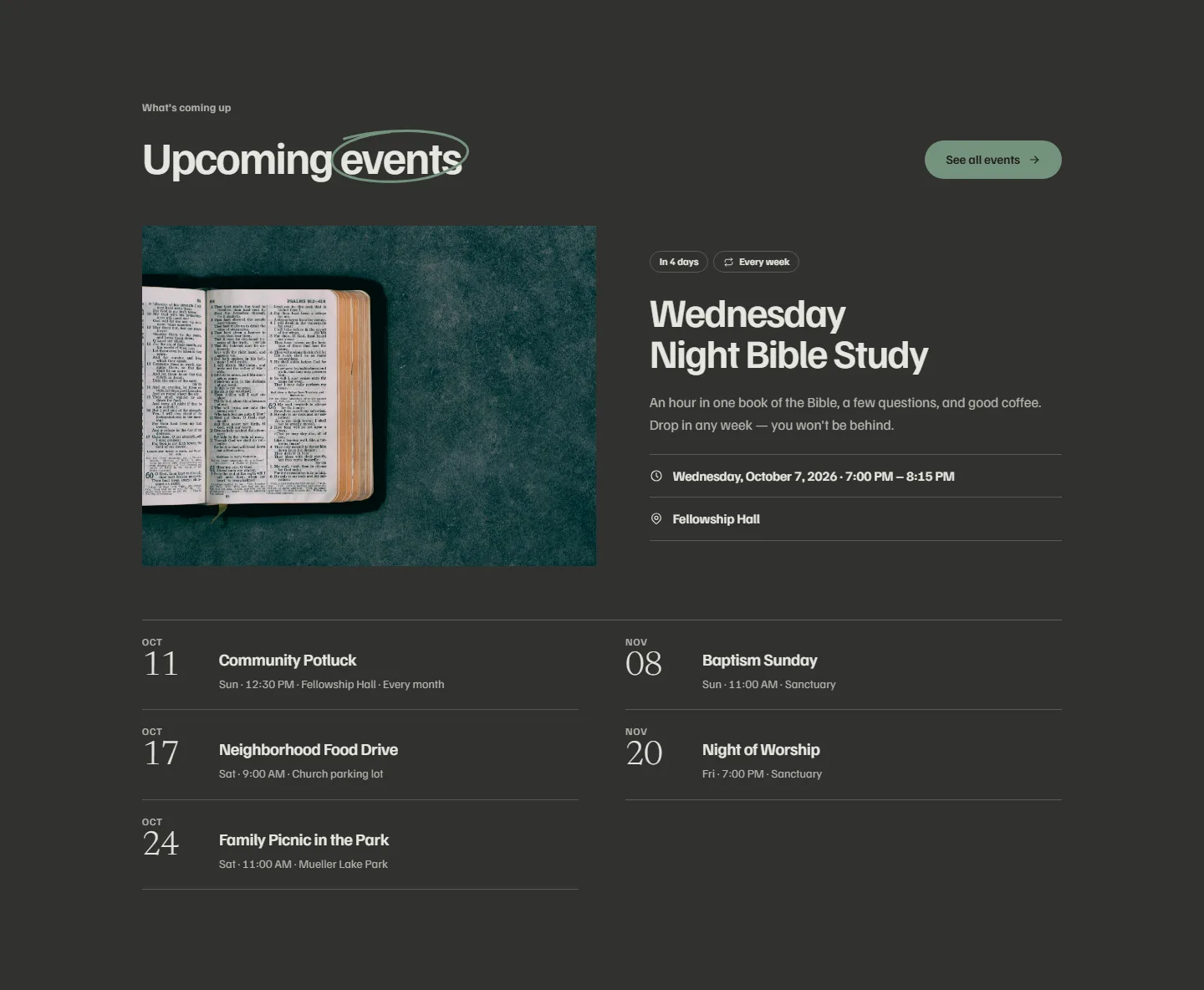
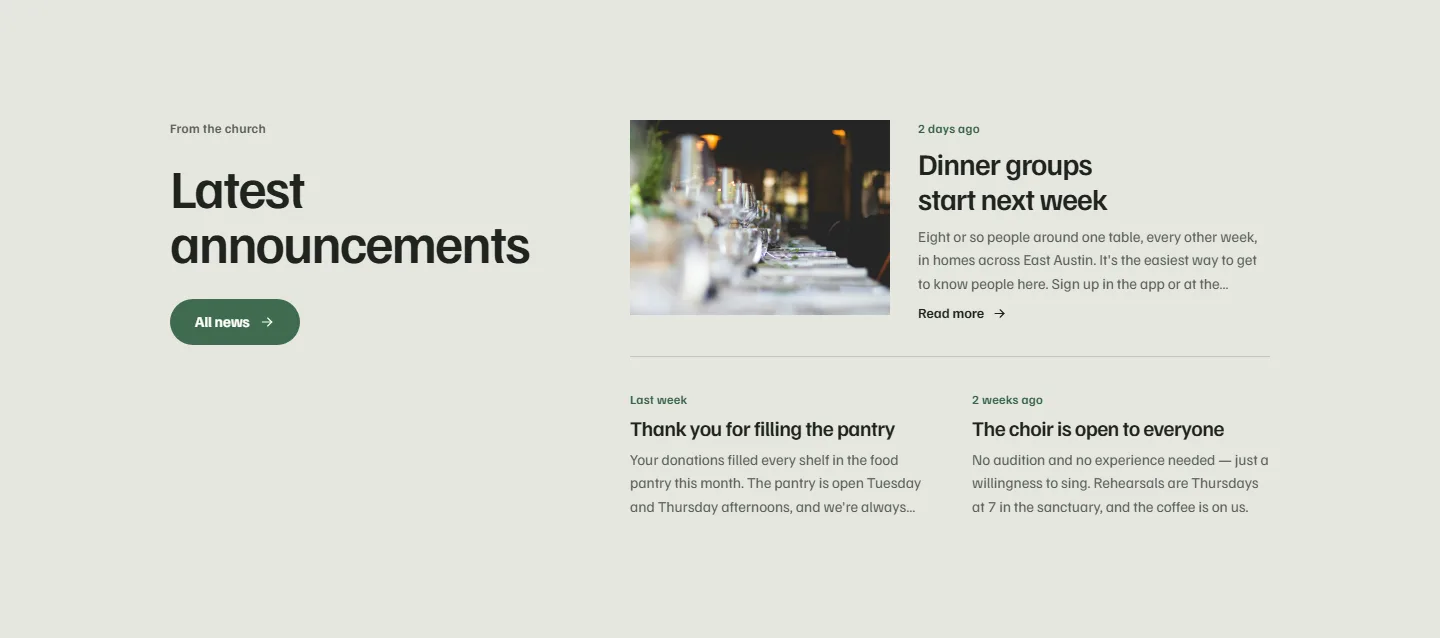
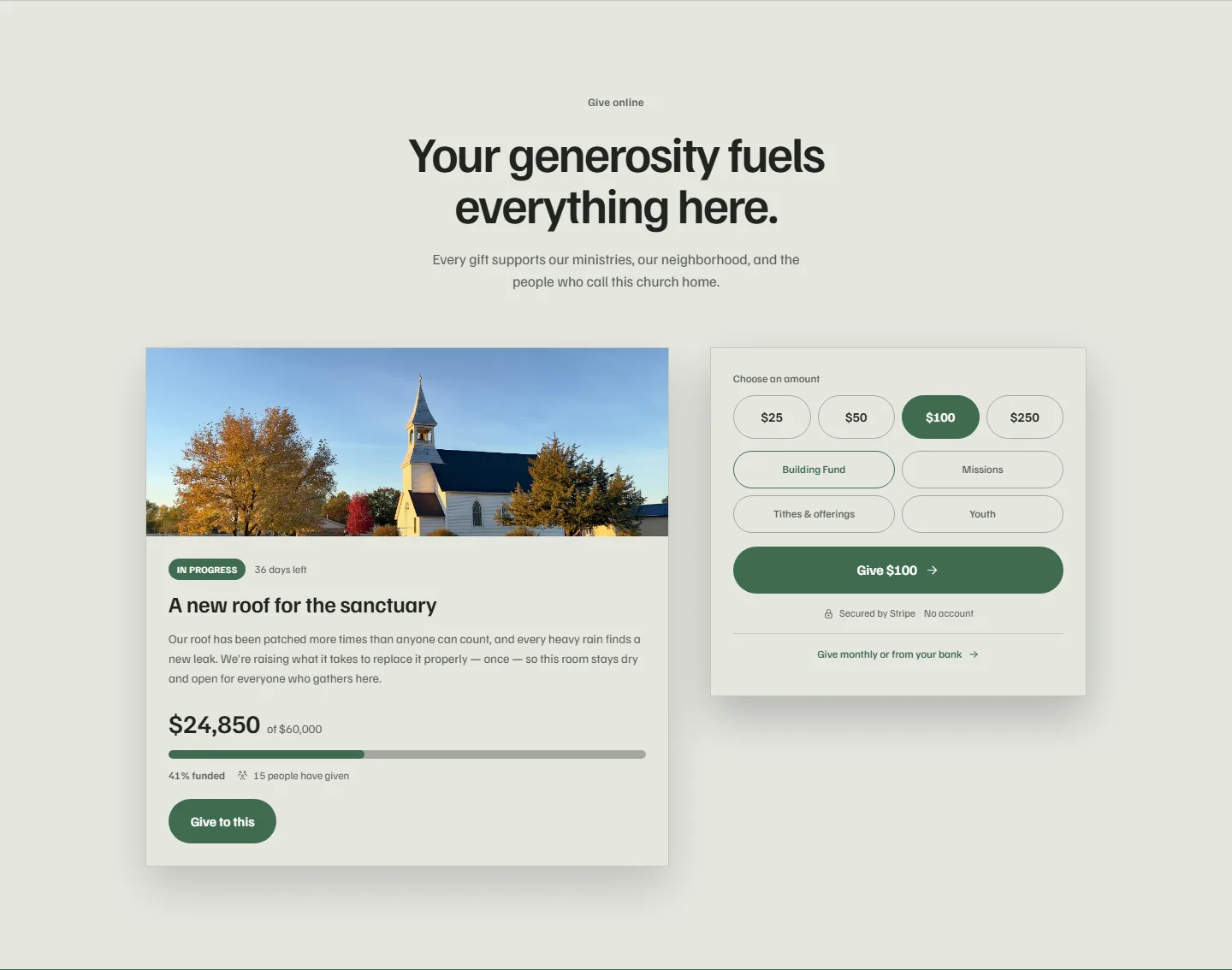
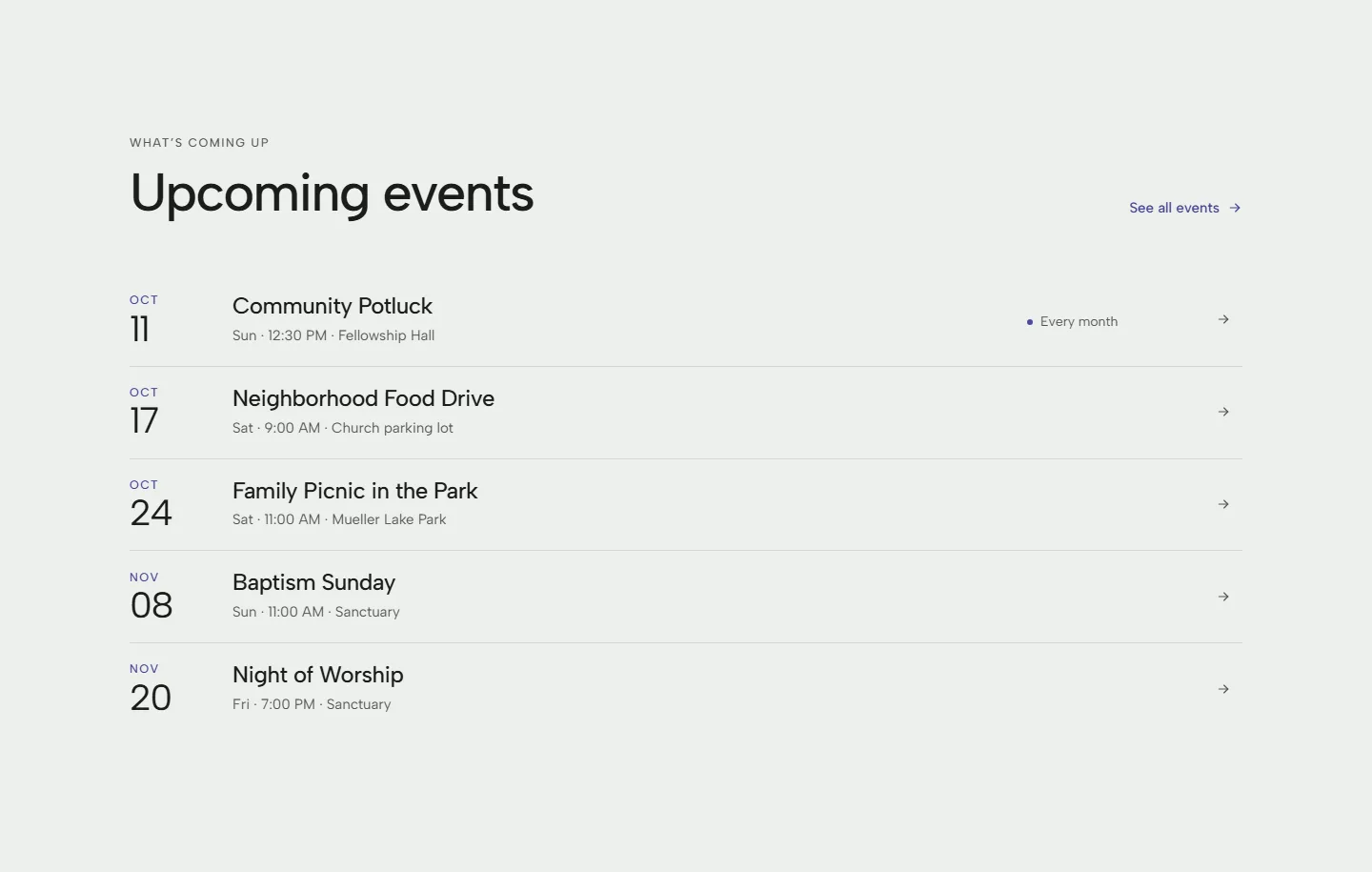
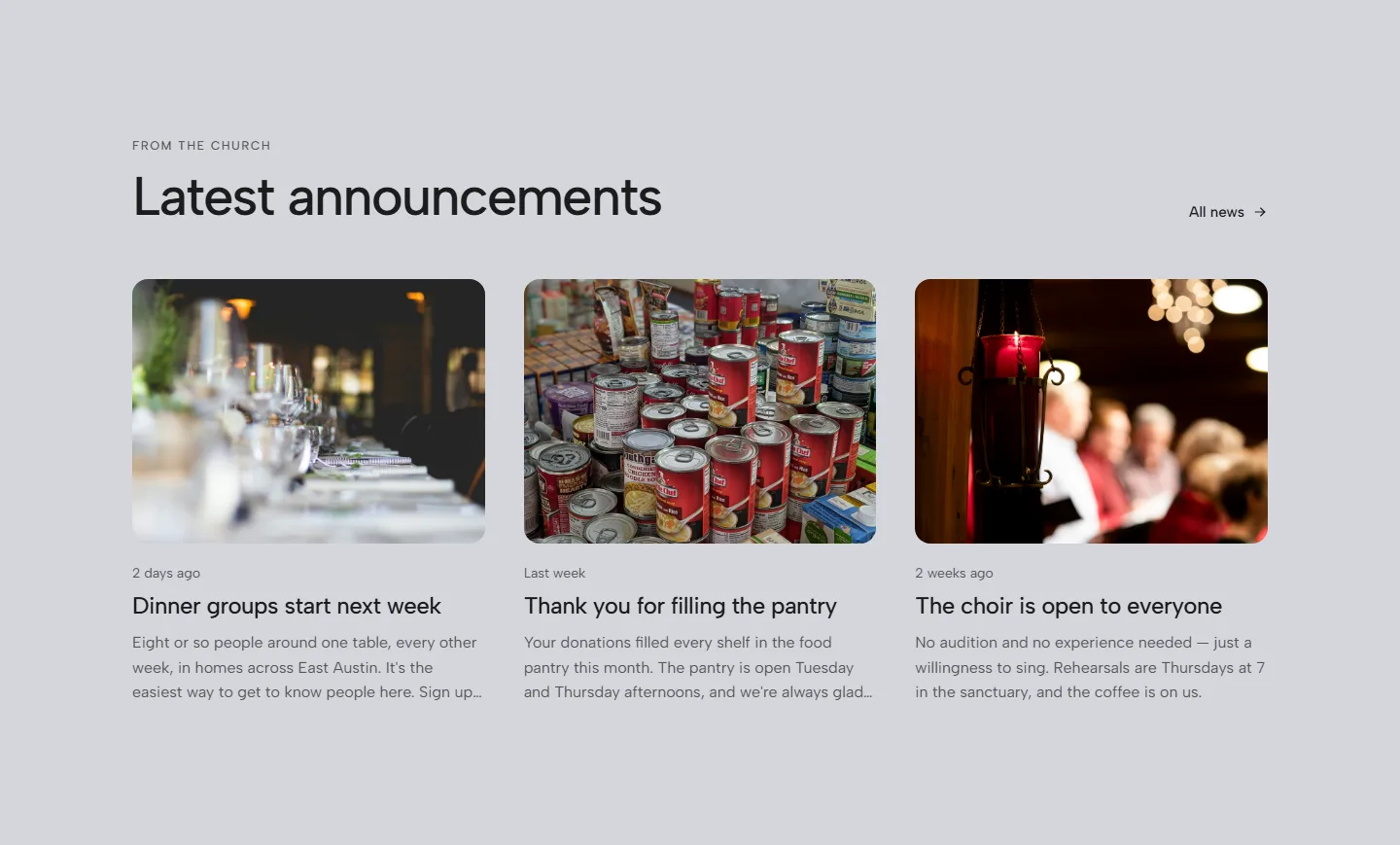
Timberline
Quiet, open pages with big headings, your color in soft tints and deep bands.
Shown in indigo. Every look comes in your church’s color.
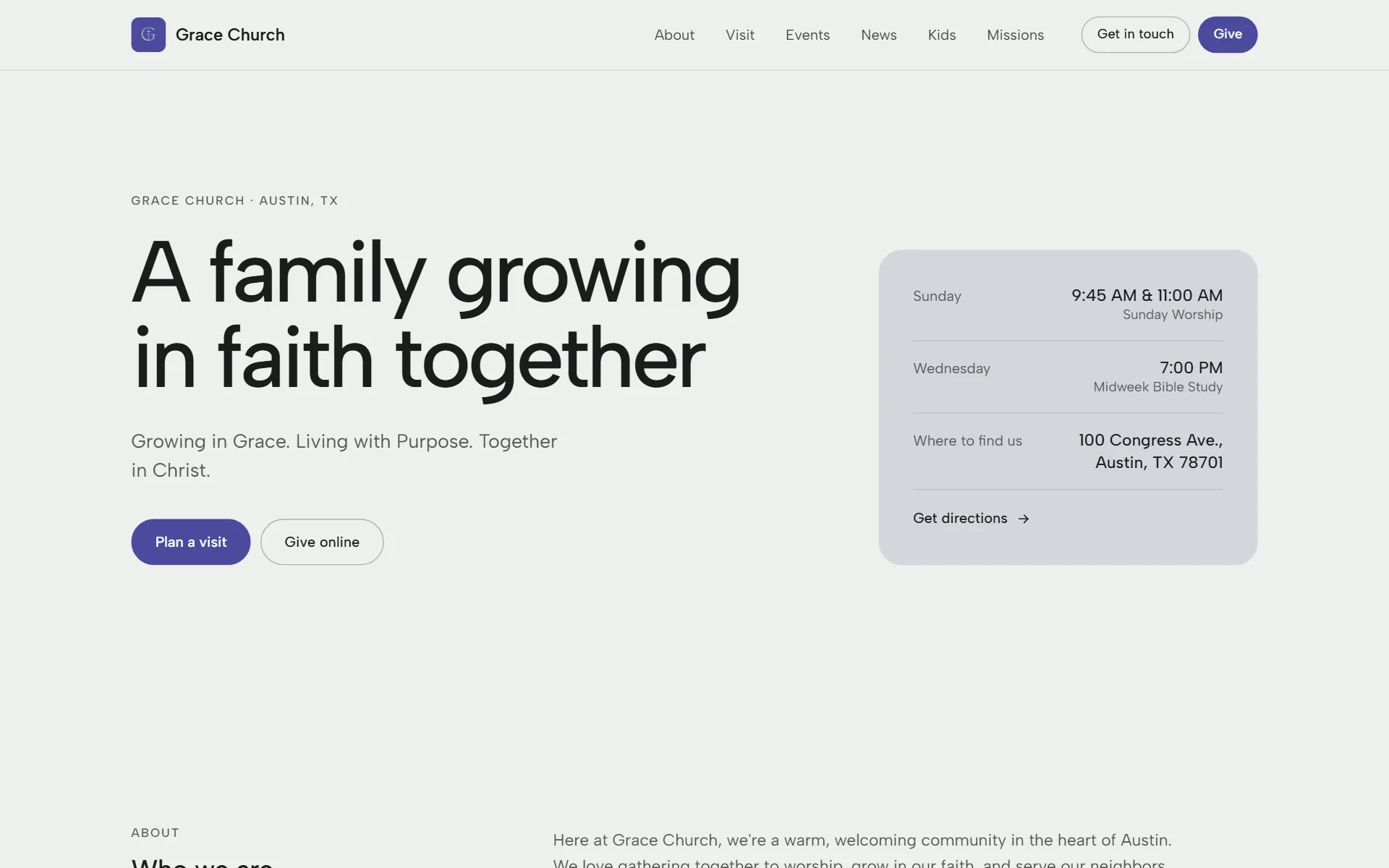
Events, news and giving in Timberline
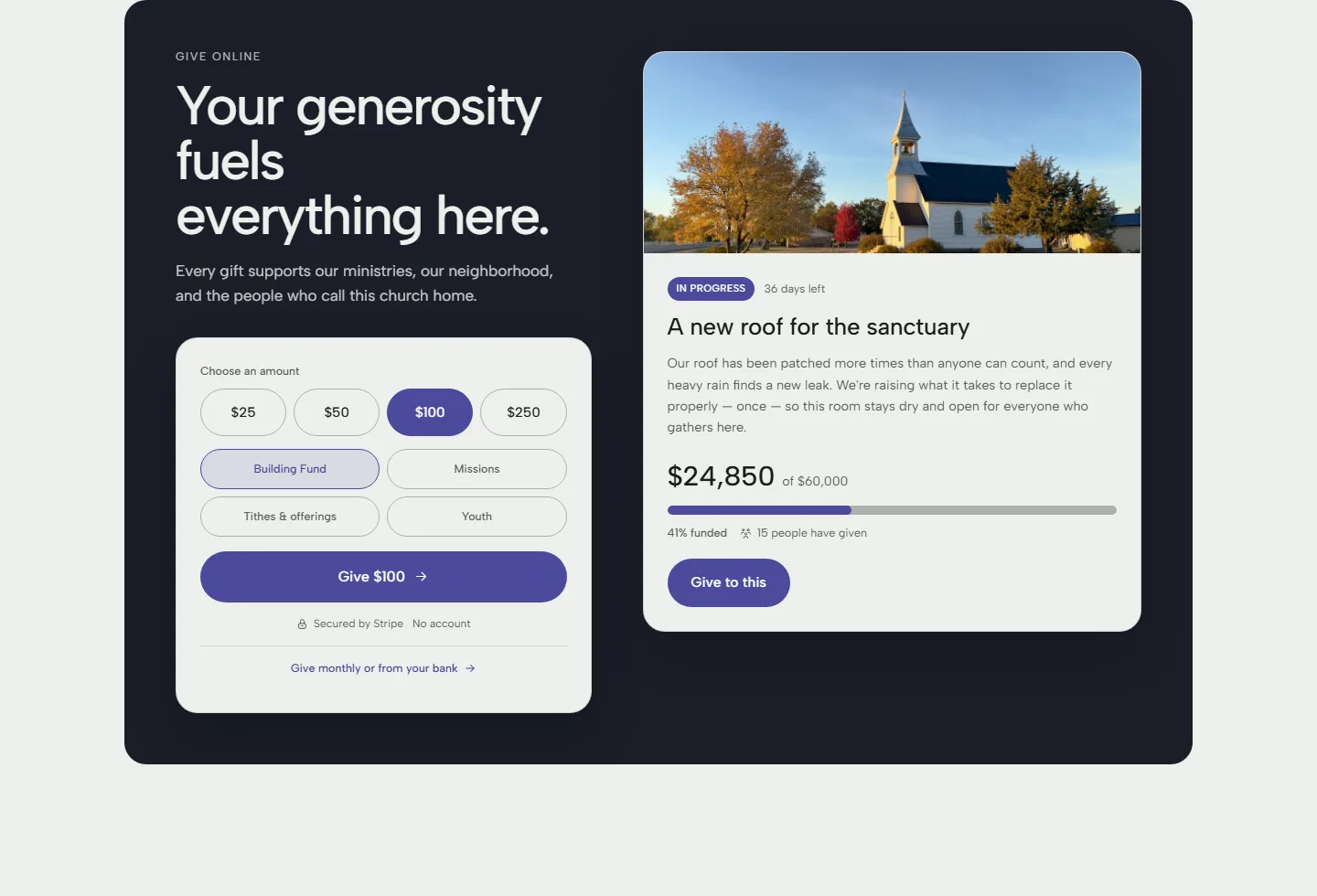
Mesa
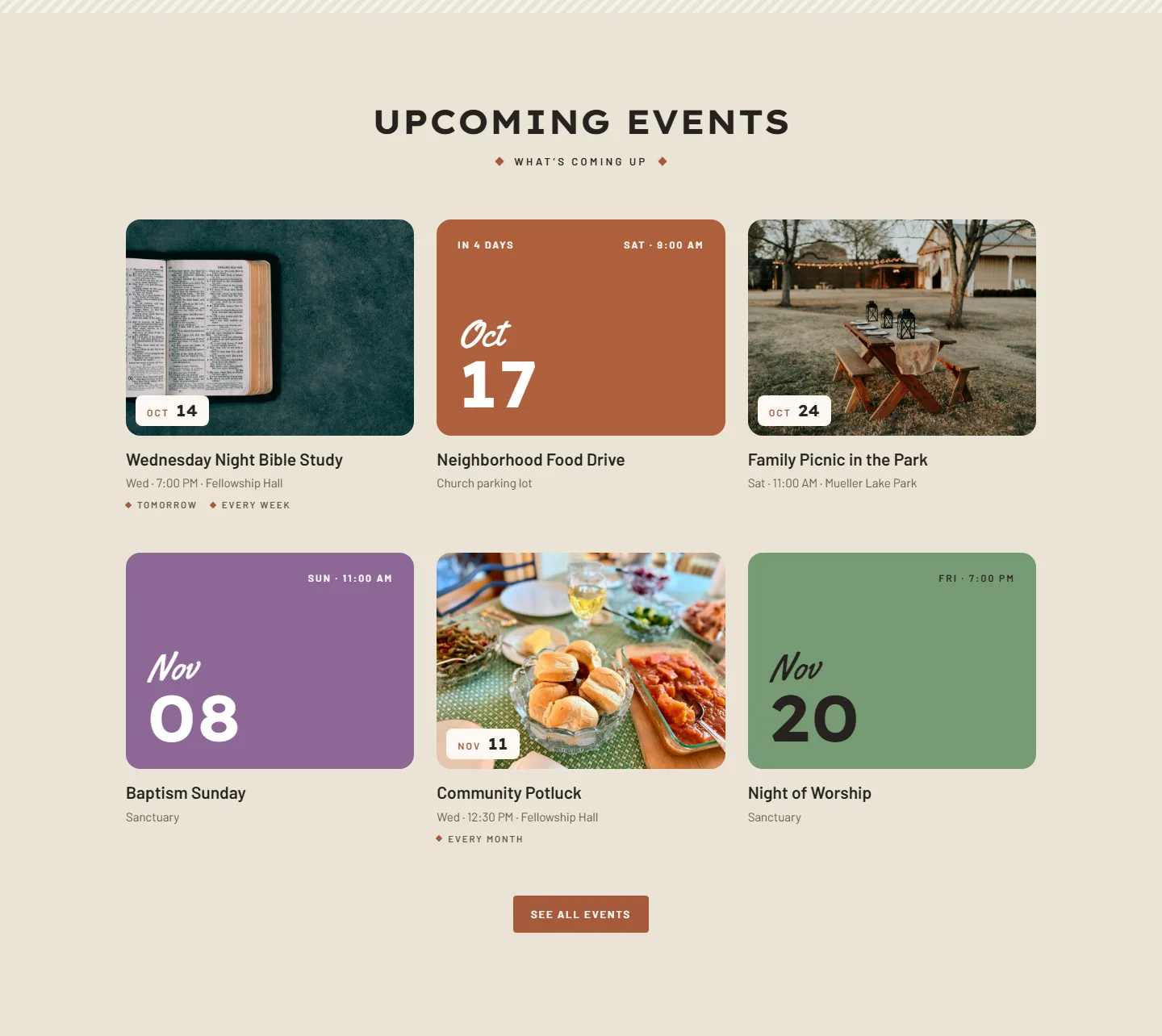
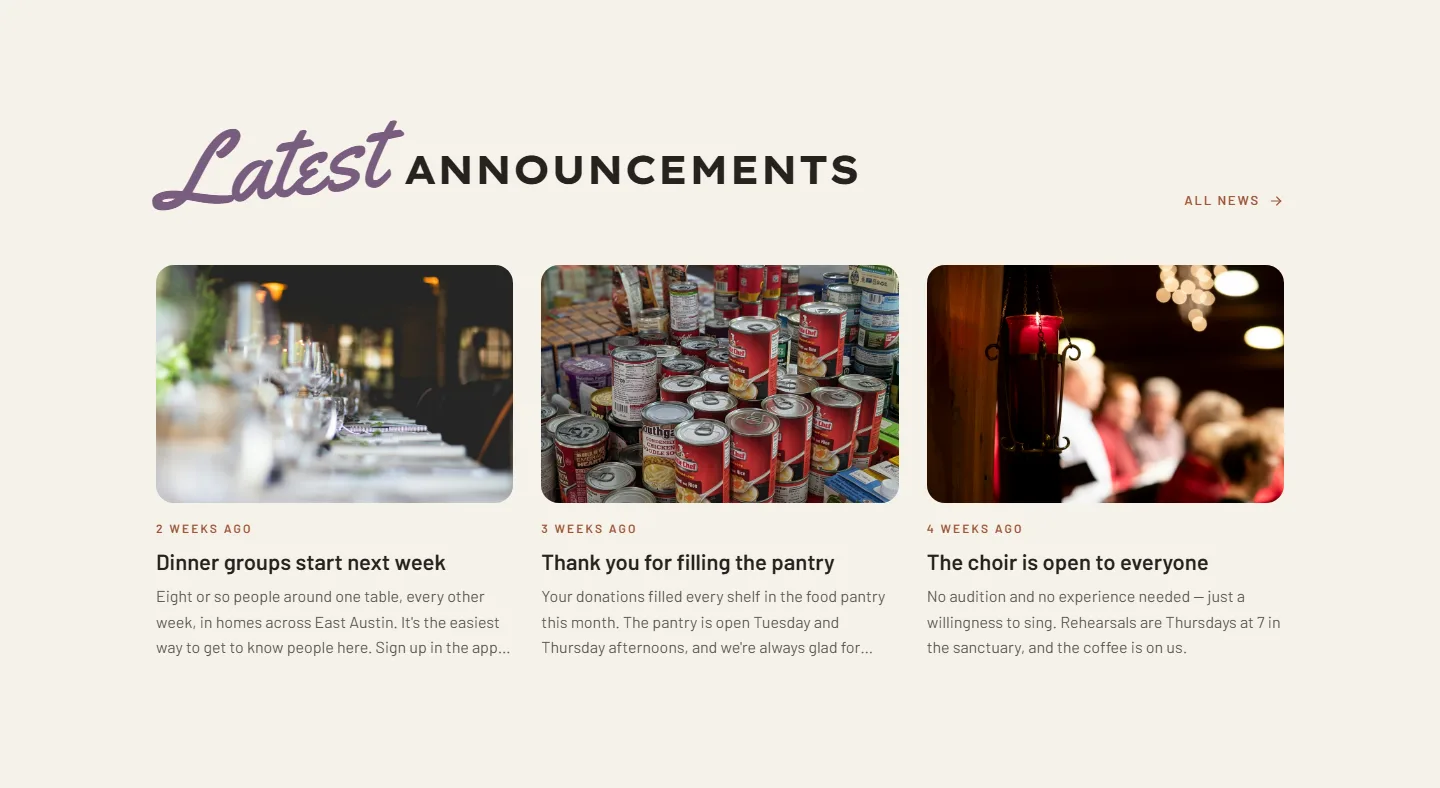
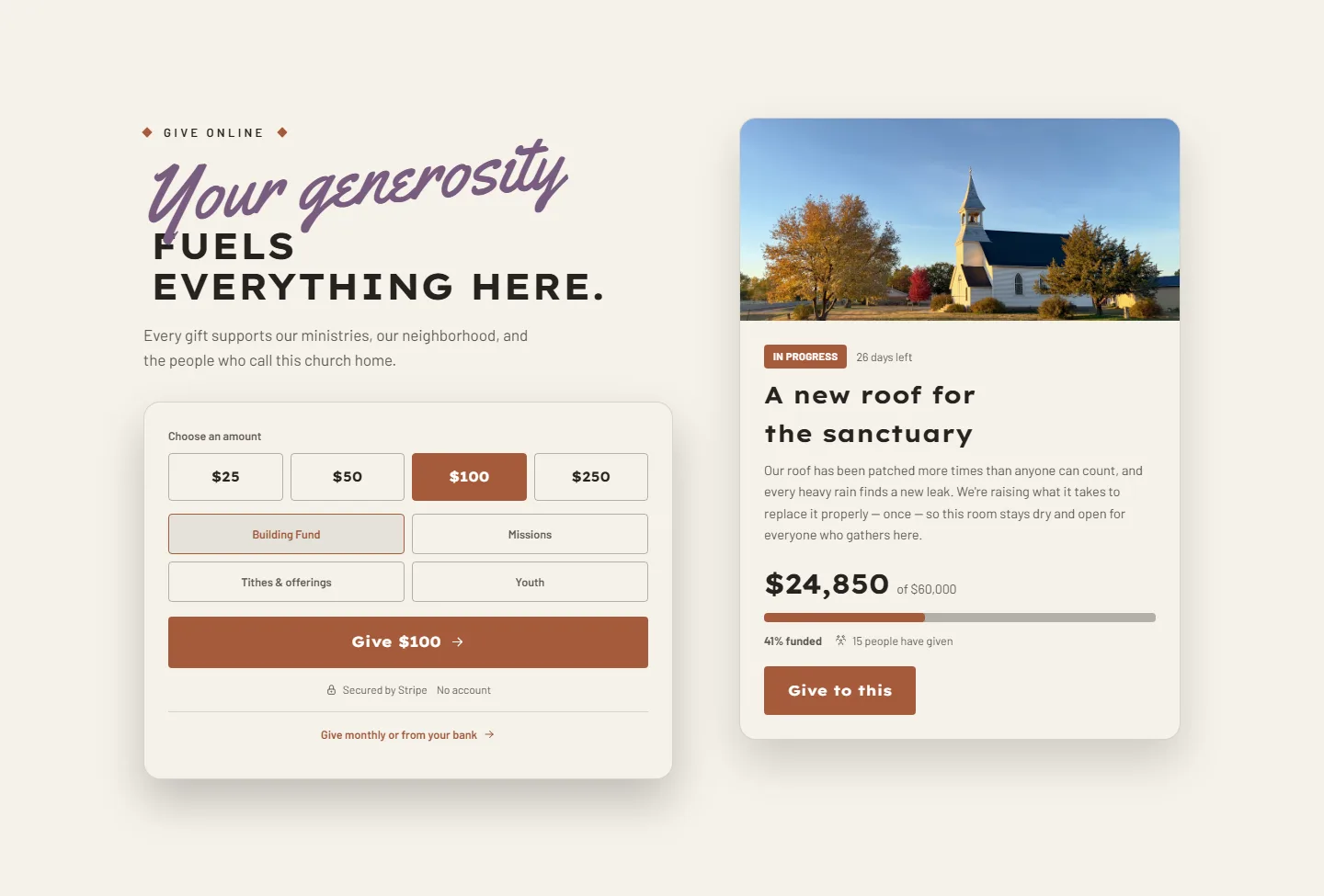
Warm, earthy pages with handwritten touches, and your color as a family of three.
Shown in terracotta. Every look comes in your church’s color.
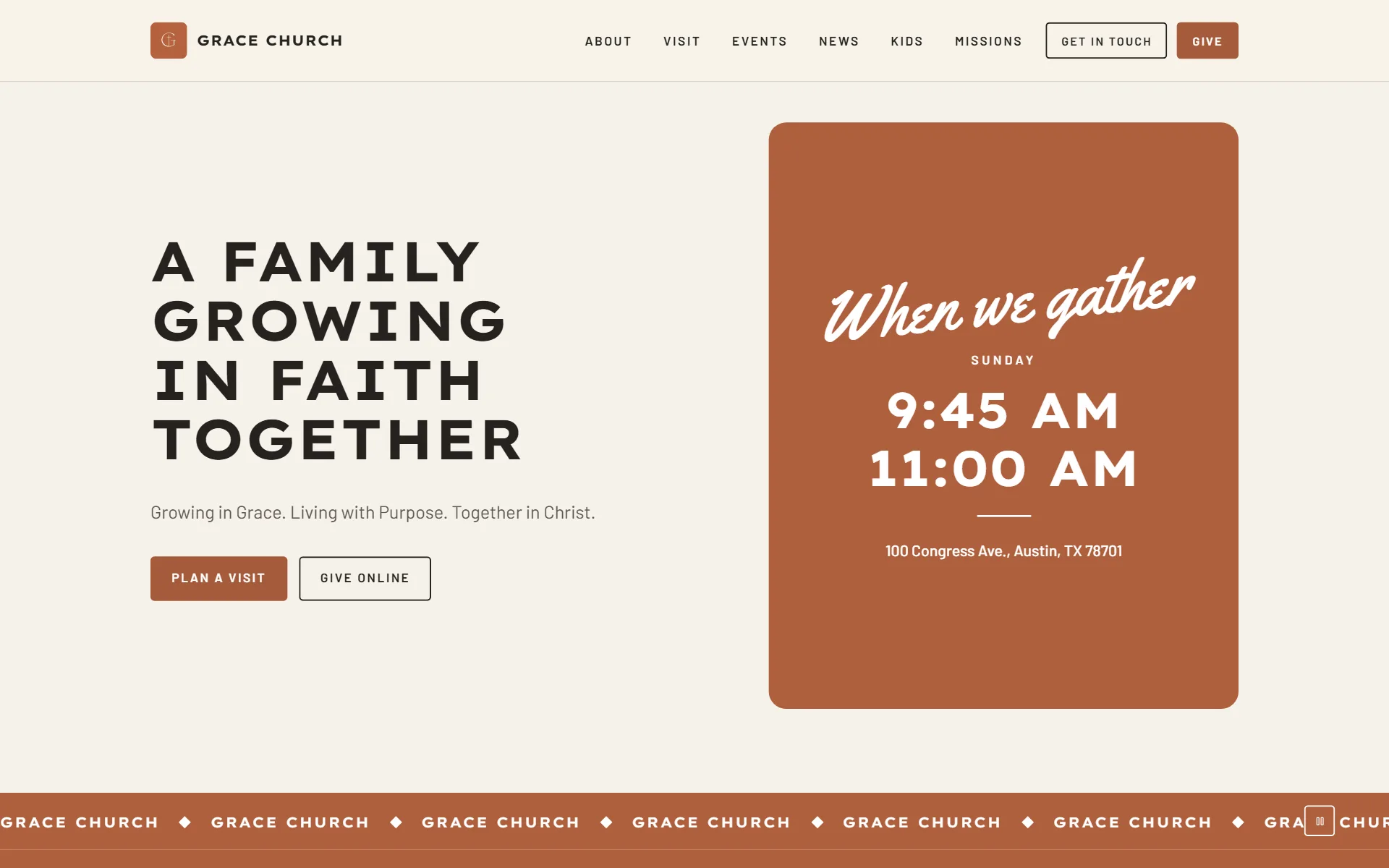
Events, news and giving in Mesa
Every church on Psalmly gets a public website of nine pages: home, about, visit, events, bulletins, news, service times, give and contact. Each one appears as soon as there is something on it, so your menu never shows an empty page.
It fills itself from what the church already keeps in Psalmly, so an event entered once appears on the website, in the Psalmly app and in the calendar feed. Add pages of your own from ten ready-made blocks, and choose a look for the whole site, which you can try on your own pages first.
Publishing is included on every plan, Free included. Your own domain comes with Community.
A church website that keeps itself up to date
Every church on Psalmly gets a real website of its own — and it fills itself from what you already keep in the app.
Events
Enter an event once. It gets its own page on your website, shows in the members’ app and lands in your calendar feed.
News and bulletins
Announcements you publish to the congregation appear as news, and the weekly bulletin gets a page of its own.
Service times
Change a service time once, and your website, the app and the calendar feed all follow.
What you actually get
Nine pages built from your church's own information, each appearing as soon as there is something on it.
- Looks for the whole site
- Bright, Meridian, Homeward, Broadside, Evensong, Narthex, Timberline and Mesa — each a complete design, from the menu to the giving page. Try any of them on your own site before you choose, and switch whenever you like: your words, photos and service times stay put.
- Your color, your photos
- Every look wears your church's color and your own pictures, and you choose which part of a photo survives the crop, so nobody loses their head to a wide banner. Bright also lets you arrange the home page: Photo first, Side by side or Words first.
- About, Visit and Service times
- Who you are, what to expect on a first visit, and when you meet — the three things a person looks for before they walk in, each on a page of its own.
- Events, with their own pages
- Every event gets a page a visitor can open, share and add to their own calendar. There is a subscribable calendar feed too: paste one link into Apple or Google Calendar and your services and events keep themselves up to date.
- News and bulletins
- Announcements published to the congregation appear as news. The weekly bulletin gets a page and a printable version, so the website and the paper copy come from the same place.
- A giving page open to anyone
- A visitor can give by card without an account. Gifts settle into the church's own bank account.
- A contact page that reaches you
- Messages land in your admin inbox inside Psalmly rather than in a personal email account, so whoever is on duty can pick them up.
- Pages of your own
- Built from ten blocks — Text, Photo, Heading, Table, Cards, FAQ, Files, Form, Button and In this section — and a page can live underneath another, so a section like "Serve" can hold a page per ministry.
- Found by search engines
- A sitemap, plus your church details and each event marked up in the format search engines read — so an event can surface as a result on its own.
How it works
The website is not a second job. It is the same information, shown to people who have not signed in.
Step 1
Create your church
Name, service times, where you are, how to get in touch. This is the information the website is built from, and you were going to enter it anyway.
Step 2
Pick a look
Each look is a complete design, dressed in your church's color and photos. Try them on your own site first — nothing changes until you choose.
Step 3
Add pages of your own
Build them from ready-made blocks — text, photos, tables, files, questions and answers, a form people can fill in.
Step 4
Publish
Your site goes live at your own address on psalmly.app, or at your own domain on a paid plan.
At a glance
| What you can do | Publish a public website of nine pages that fill themselves from your church's own information, add pages of your own from ten blocks, and dress it in the look you choose. |
|---|---|
| Where it lives | Your own address on psalmly.app on every plan, or your own domain on Community and Growth. |
| Who can see it | Anyone. No account, no sign-in, nothing to install. |
| Pages of your own | Free 1, Community 3, Growth 10 — each able to hold sub-pages. |
Church websites are on every plan, including Free.
Your own domain name comes with Community and Growth, from $49 a month.
The core church app is free forever for churches up to 50 people, and anyone can always join. A paid plan adds the AI tools and the church’s books.
See what each plan includes →Questions churches ask
Do we need someone technical to build it?
No. The pages are already designed and laid out — you fill them by entering your church's details, not by building anything. Your name, your service times, where you are, how to get in touch. You publish when it looks right.
Can we choose how it looks?
Yes. Every look — Bright, Meridian, Homeward, Broadside, Evensong, Narthex, Timberline and Mesa — is a complete design for every page, from the menu to the giving page. Try any of them on your own site before you choose. Nothing changes until you do, and your words, photos and service times stay the same whichever you pick.
What happens on the website when we add an event?
It appears. Events publish to your website, the Psalmly app and your subscribable calendar at the same time, from the one place you entered them — and announcements and bulletins reach your website and the app the same way. Nobody has to copy anything across.
Can we use our own domain name?
Yes, on Community and Growth. Psalmly gives you the DNS records to enter, checks them for you, and handles the security certificate automatically. Until then your site lives at your own address on psalmly.app.
Can we add pages of our own?
Yes — ten kinds of block to build them from, and a page can sit underneath another one, so "Serve" can hold "Food pantry" and "State fair". Free includes 1, Community 3, and Growth 10.
Will people find us in Google?
Psalmly publishes a sitemap for your site and marks up your church details and each event in the format search engines read, so an event can show up as a result in its own right. That is the part a hand-built church website almost never has.
Can visitors give without signing in?
Yes. Your giving page is open to anyone — a visitor can give by card without creating an account, and the money goes to your church's bank account.
Can we take the site down or change it later?
Any time. Publishing is a switch, and everything on the site is edited in the same place you run the rest of your church.
Keep reading
Start free today
Create your church and your website is already there, waiting for you to publish it.